
















Everything the desk runs. One system.
Recruit, onboard, deploy, pay and bill.
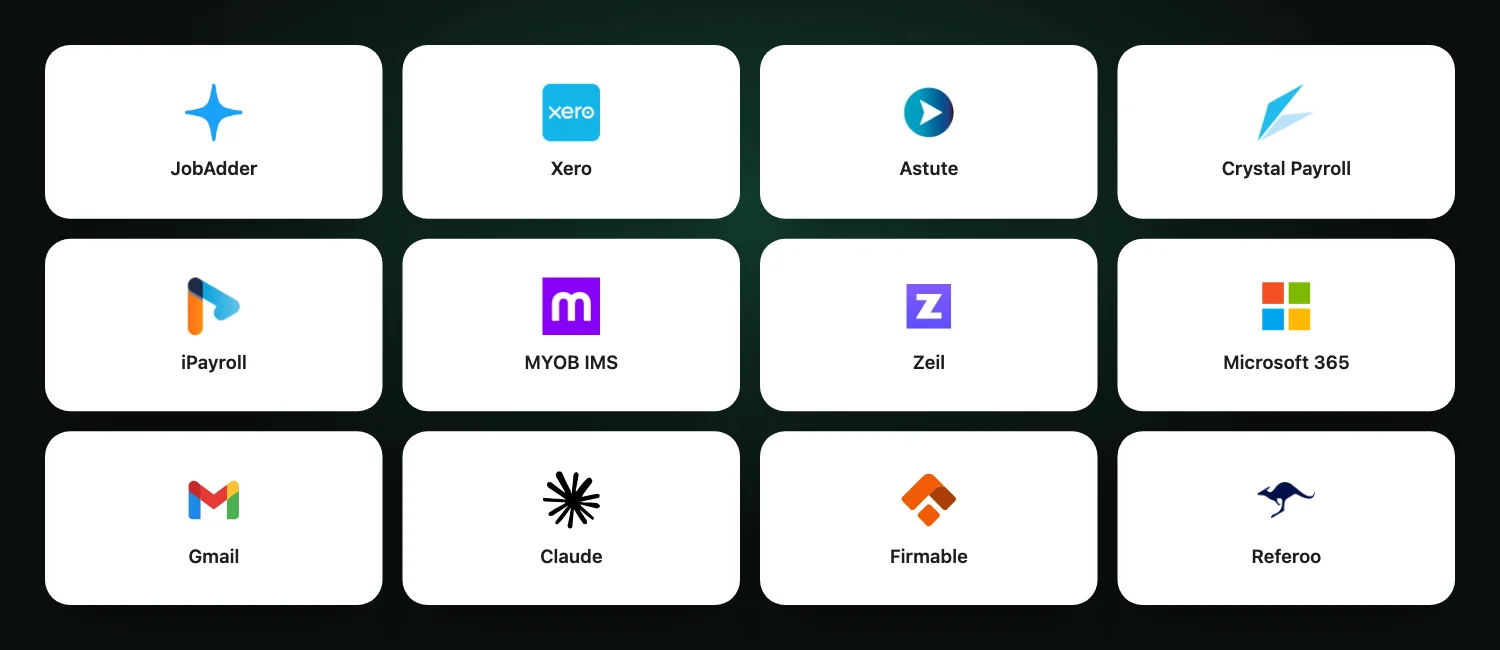
Keep using JobAdder and your favourite payroll. Workhr makes everything else easier: the shifts, the sign-ins, the timesheets and the money, on one record and behind one sign-in.
Find and place the right people.
Job orders, pipeline, hotlists, branded CVs and submissions, with compliance on the same record.
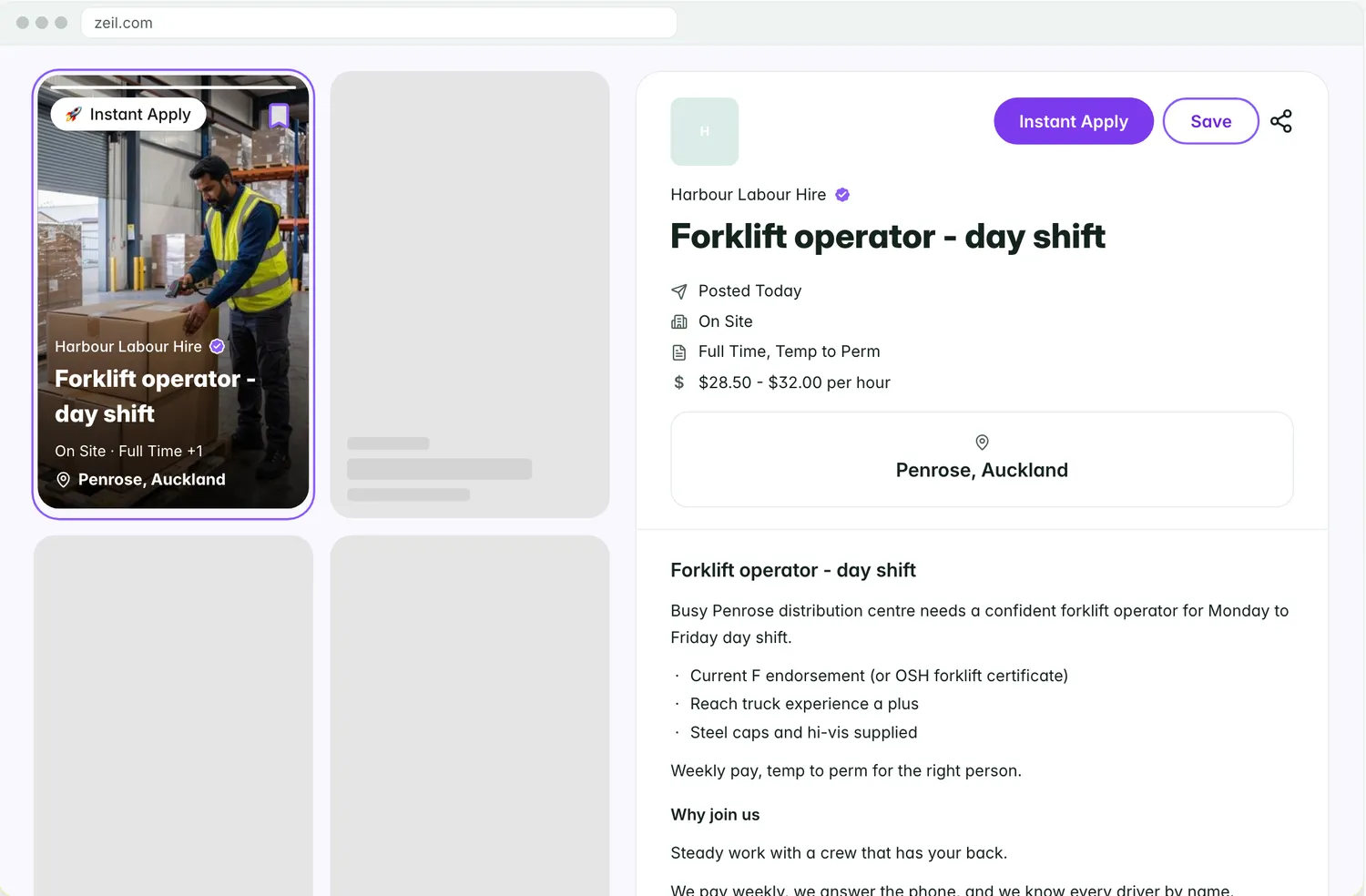
- Job ads published to Zeil or JobAdder, applicants straight into your pipeline.
- Applicants scored against the order’s requirements as they arrive.
- A board per job order, from applied to placed.
- Shortlists sent to the client as one link.
- Hotlists: text or shift-offer the whole list at once.
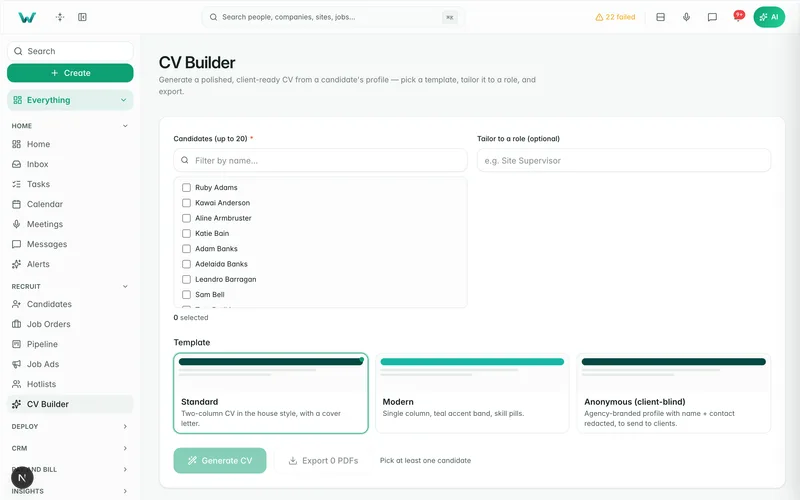
- Branded CV and cover letter in one click, filed on the candidate.
 Example
Every client, site and contact.
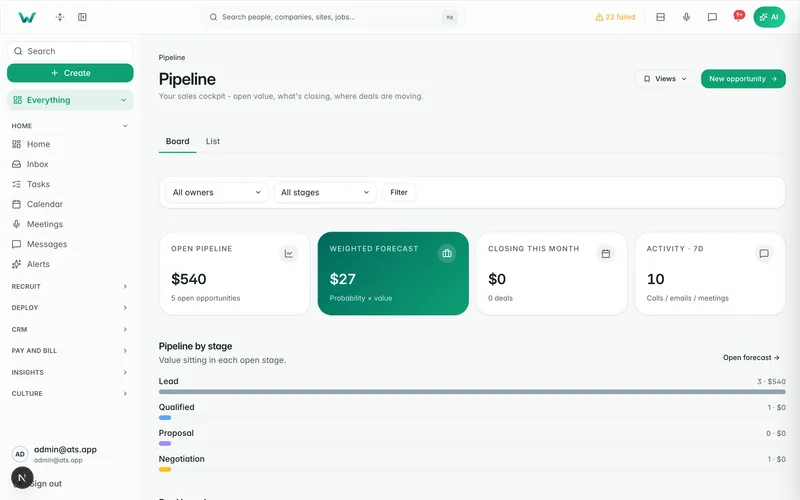
CRM is built in. Sales and delivery work from the same client record, so the deal you win becomes the order you fill.
- Companies, contacts and sites, with opportunities, stages and tasks.
- Rate cards: an order for a role on the card is priced from it.
- A won deal becomes a priced job order.
- Leads from your website, phone, chat and partners.
- Sourcing: find people outside your database with verified contact details.
- Follow-up sequences, job ads, and email and SMS from your own number.
 Example
Fill the shift before the client starts chasing.
Every request is matched on skills, compliance, availability and location. Every worker lands in one of three groups: ready, eligible or blocked.
- Coverage-first scheduling that scales to thousands of temps.
- Right to work and site compliance checked again the moment you confirm.
- Shift offers by text and the worker app, accepted in a tap.
- Client requests land as rosterable job orders, not emails.
 Example
Know who’s there and ready to go.
GPS site sign-in you can actually prove: a defensible on-site record for clients, auditors and WorkSafe.
- GPS, a QR poster or the kiosk, whichever suits the site.
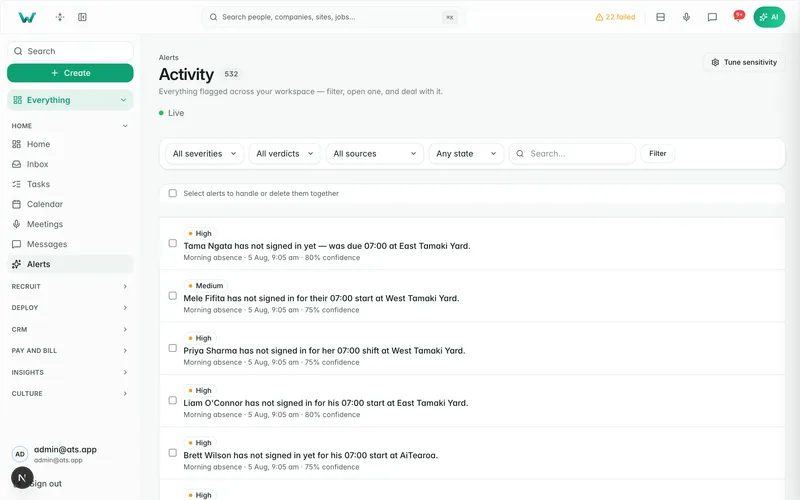
- Off-site detection, and late and no-show alerts.
- Visitors register at the kiosk.
- An evacuation list the moment you need one.
- Held at sign-in when a site requirement is missing, until a consultant decides.
- Built for poor coverage: it keeps working and syncs when a connection returns.
 Example
Ready before the shift, not after.
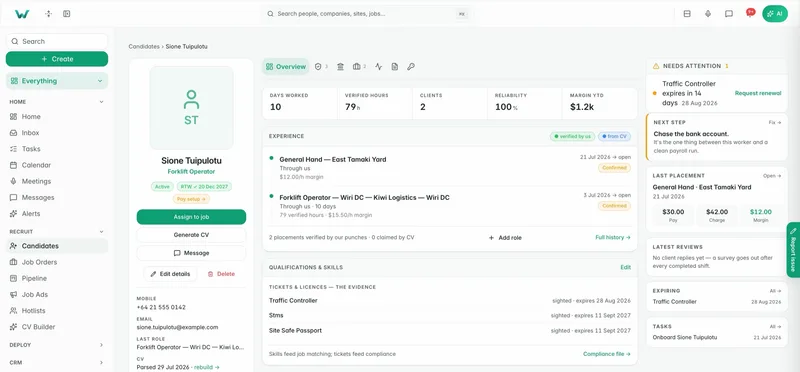
One invite takes a worker from new to site-ready. Right to work is a hard gate, and every change is logged: who, what and when.
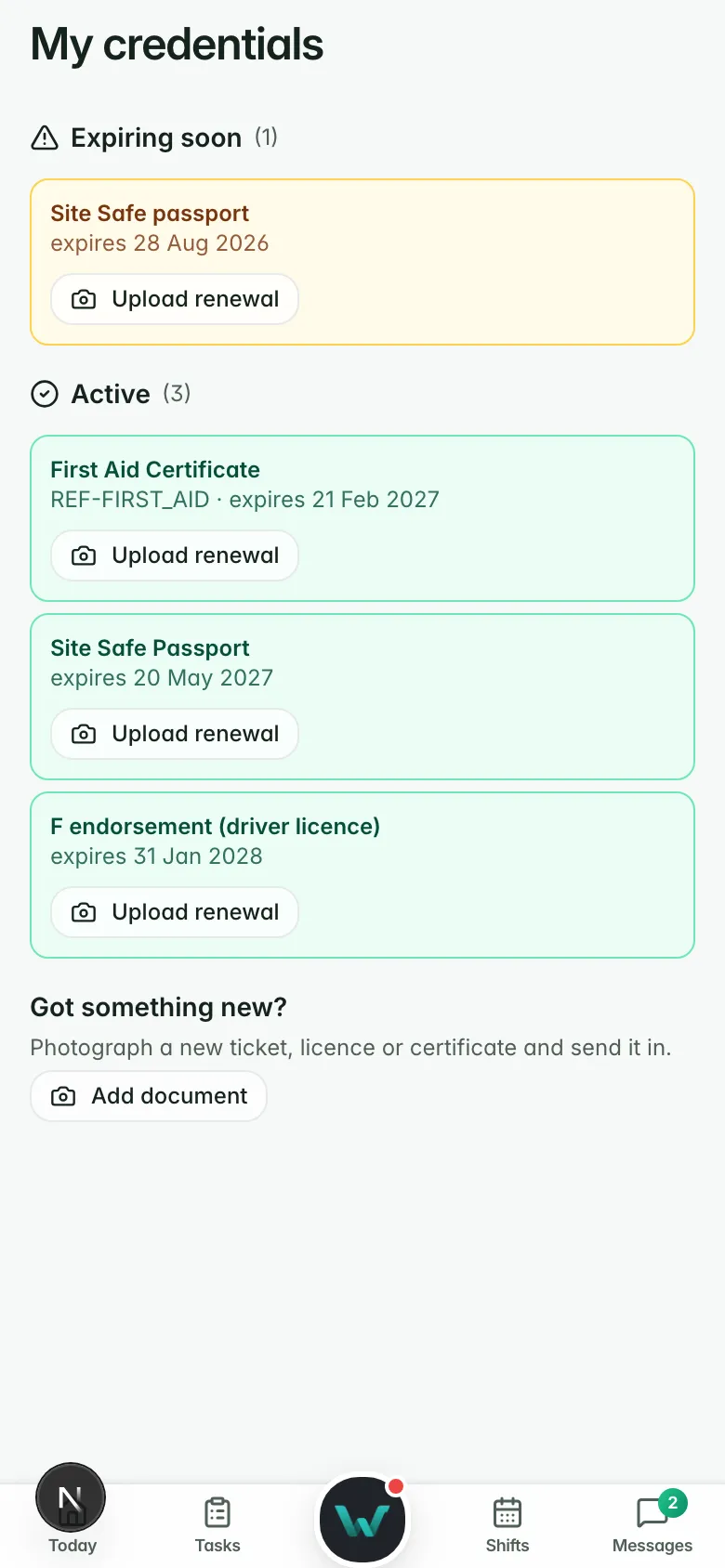
- Tickets and licences tracked to expiry, on one compliance board.
- SWMS (AU) and JSA (NZ) read and signed by every worker before the shift.
- Hazards reported in the worker’s own language.
- PPE sizes ordered and stock restocked through Leedsafe.
- Migrant workforce: visa conditions read, and an append-only record of every work-rights check.
 Example
One approved hour. Pay and bill sorted.
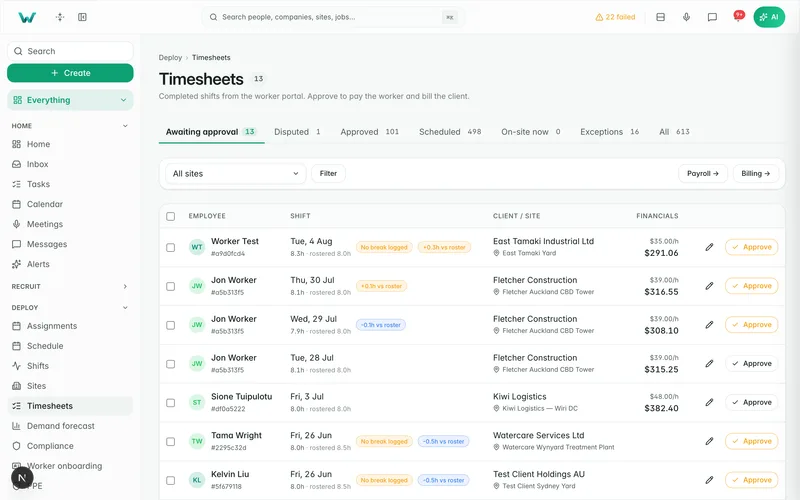
Digital timesheets, paper sheets and photo uploads arrive in the same queue, pre-filled from actual sign-in and sign-out times.
- Clients confirm the week from one email link, with no login to chase.
- Your team keeps final approval.
- Disputed hours are held back, never quietly approved.
- Breaks, allowances and cost codes captured on the shift.
 Example
Approved hours to paid, without re-keying.
Pay the worker and bill the client from one record. Payroll stays with your provider, and invoices land in Xero.
- Rates snapshot onto each shift as it’s worked. A rate change never re-prices worked time.
- Margin by worker, site and client, shown only to roles you allow.
- Payroll through Astute, iPayroll or Crystal, or a weekly time import for MYOB IMS.
- Invoices in Xero, NZ and AU organisations, tracking categories included.
 Example
Your clients, self-serve.
Supervisors see who’s on their sites, approve timesheets in a tap and ask for more people, without emailing your desk.
- Live coverage against what was ordered.
- One-tap approve or query on every timesheet.
- Requests land in your pipeline, priced from their rate card where it covers the role.
- Your brand on the shortlists, packs and surveys you send by link.
- Client seats are free and unlimited, and your client never sees a price.
 Example
Clear in a hurry, on any phone.
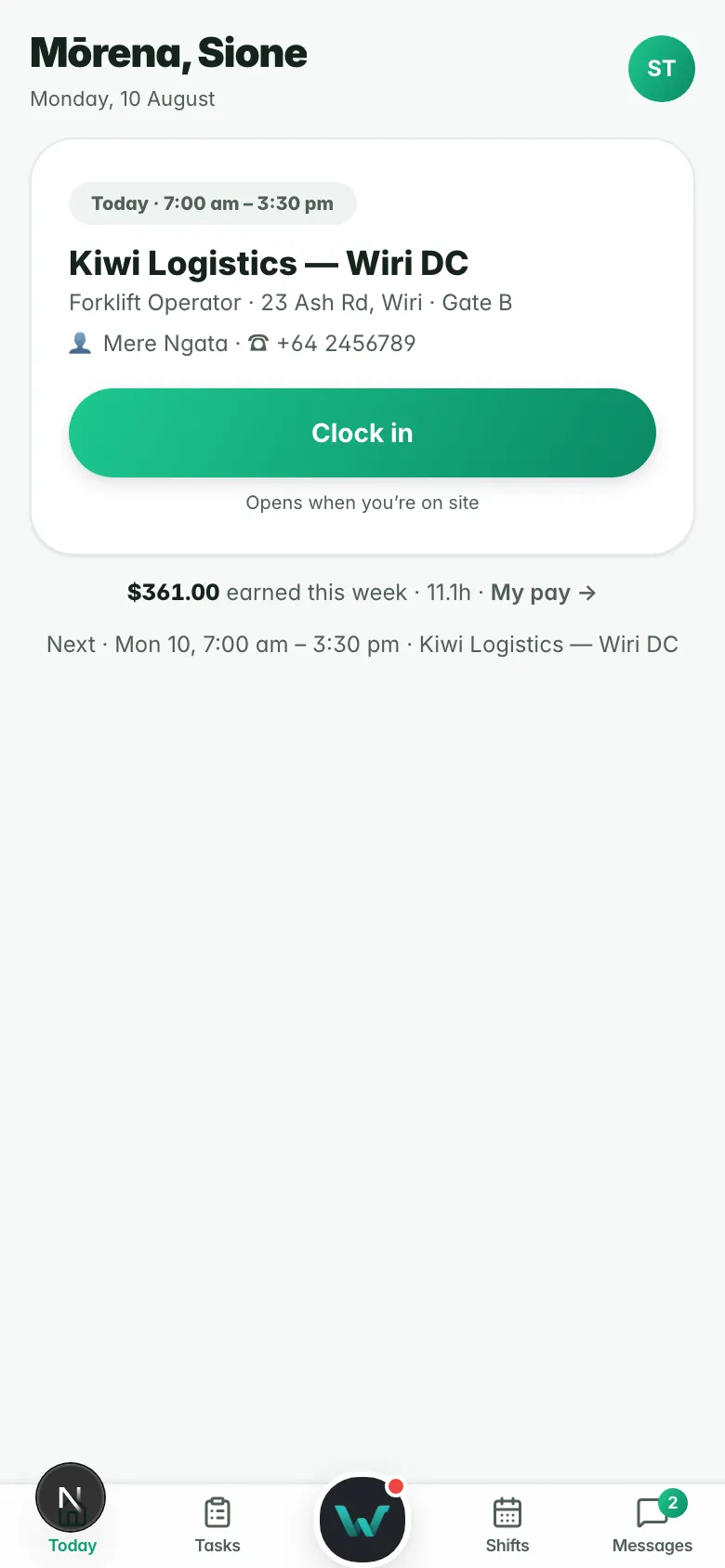
A web app installed from the browser. Today’s shift, GPS sign-in, availability, payslips and messages, in the worker’s own language.
- One-tap GPS sign-in, with the site map and supervisor for today’s shift.
- Shift changes pushed to the phone, and job alerts for open work.
- Timesheets pre-filled from sign-in and sign-out, and payslips in the app.
- Credentials uploaded and renewed by the worker.
- Seven languages: English, te reo Māori, Tagalog, Chinese, Samoan, Hindi and Spanish.
- Workers are free, however many work this month.
 Example
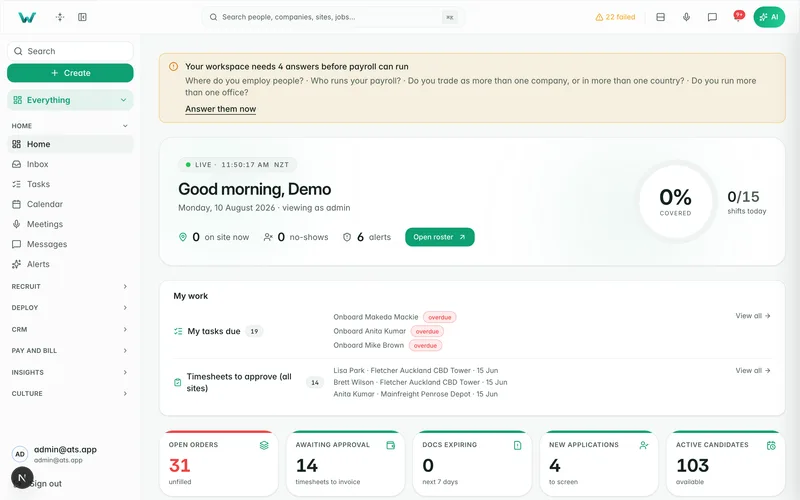
The desk’s whole day, in one place.
Mail, calendar, calls, chat and meetings all write back to the record, so nobody hunts through five tabs on a Friday.
Tasks that open themselves
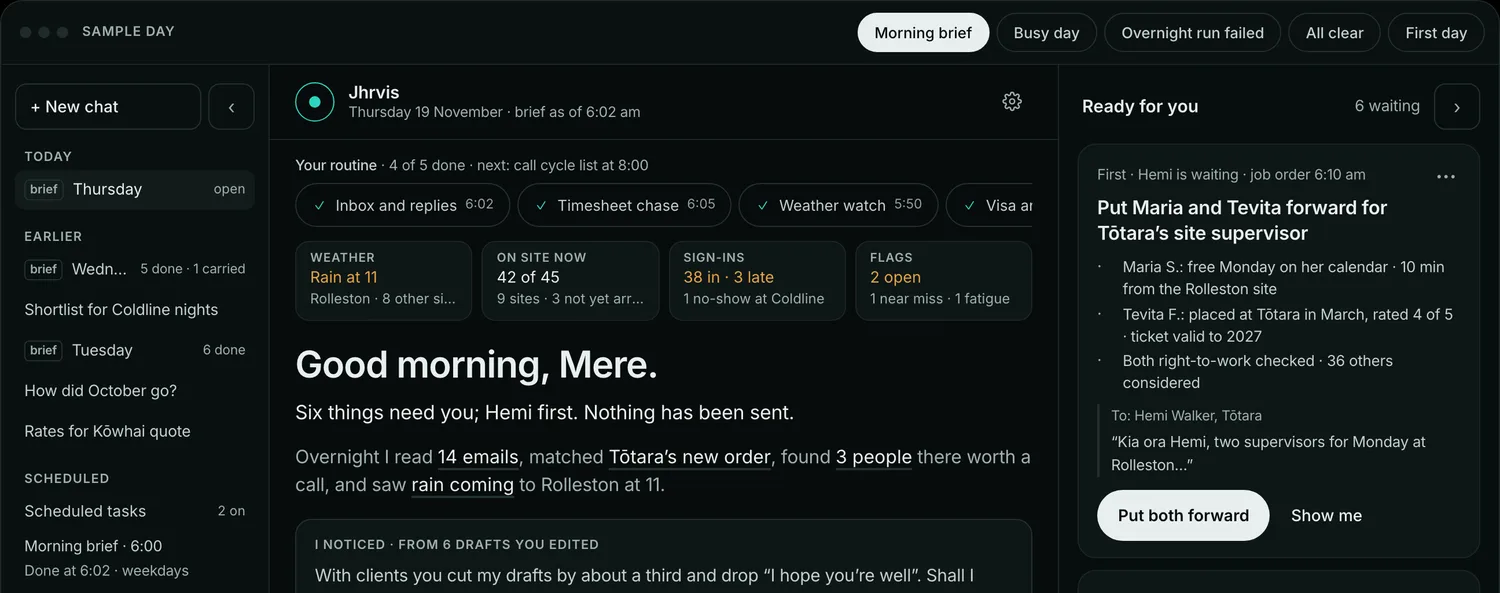
What needs you today waits on your home page, with the record it belongs to.
Calendars, both ways
Two-way sync with Outlook and Google calendars.
Outlook and Gmail
Two-way mail on the record, and texts from your own number with opt-outs honoured.
Meetings, written up
A notetaker for video calls, and Pocket recordings arriving as meetings in the CRM.
Chat, translated
Any language in, replies in the worker app’s seven, with the worker’s own words kept beside.
Campaigns and broadcasts
Sequences, campaigns and broadcasts to the right list, written back to the CRM.
The week on one page.
Fill rate, margin, hours, no-shows and compliance together, with every figure opening the rows behind it.
Reports
Fill rate, margin, hours, no-shows and compliance on one page.
Report packs on a schedule
The board pack built and sent on the day you choose.
Demand forecast
What clients are likely to ask for, before they ask.
Documents studio
Contracts and letters filled from the record.
E-sign by link
Sent, signed and filed, with policies acknowledged by every worker.
Forms
Site forms filled on the phone, counted on the record.
Security in plain English.
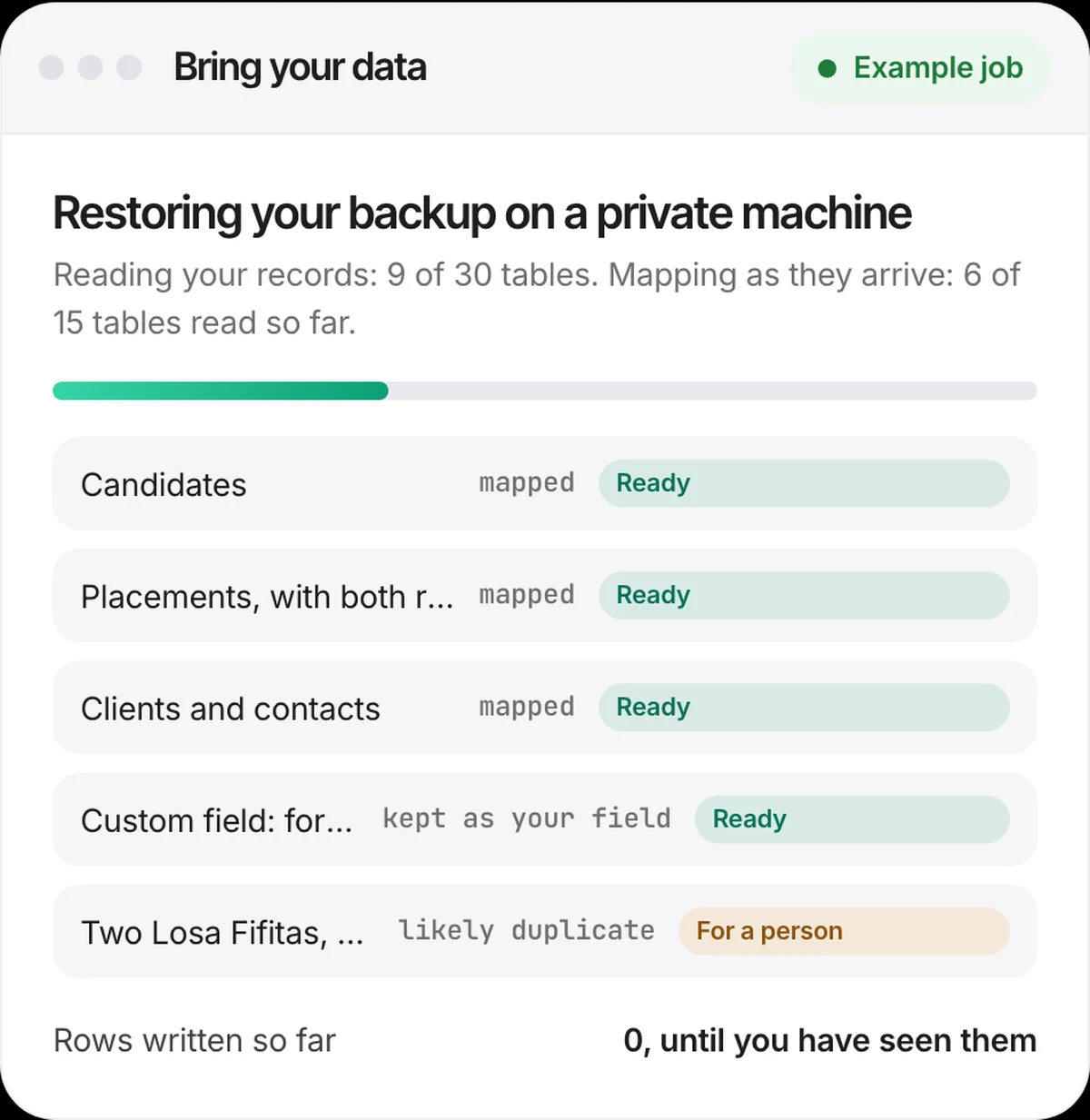
Hosted in Sydney, for Australian and New Zealand agencies. Every tenant is kept apart twice over, and every important change is on a tamper-evident record.
Two boundaries, not one
App-level scoping plus row-level security in the database, with cross-tenant tests on every change.
One region: Sydney
The app on Fly.io in Sydney and the database on AWS in Sydney.
Sign-in your way
Microsoft, Google, or email and password. Single sign-on with Entra ID or Google Workspace, and MFA a workspace can require.
Roles that fit the desk
33 permissions in 12 groups and 15 ready-made roles, with separate staff, client and worker portals.
A chained audit log
Append-only, hash-chained per agency and re-checked every night.
AI under your control
An org-wide off switch, a read-only mode and per-action switches, with every data-changing step audited.
Every feature has its own page.
Open any of them for the detail, a look at the real product and the questions agencies ask.
Recruit and win
Deploy and run
Comply, pay and bill
Talk and book
AI, data and team
Permanent. Labour hire. Both.
For agencies across New Zealand and Australia: a perm desk that sees the fee before the hire, a temp desk that closes the week without re-keying, or both on one record.