









Get people to site on time and ready.
A sign-in point with a GPS ring, marked-up photos of the gate, the sign-in hut and the parking, the site’s requirements, and a sign-in QR, kiosk, worker pass and visitor register.
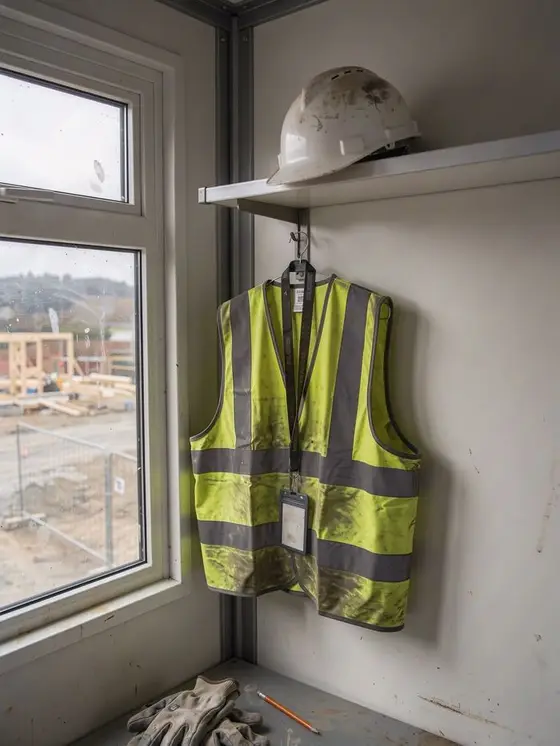
Most first-day problems happen before the shift starts: the wrong gate, no parking, no steel caps. Workhr gives every worker the way in, what to bring and how to sign in, on their phone, before they leave home.
The way in, set up once per site.
The point and ring workers’ GPS is checked against when they sign in.
✓ Located - workers sign in within 150 m Open in Maps
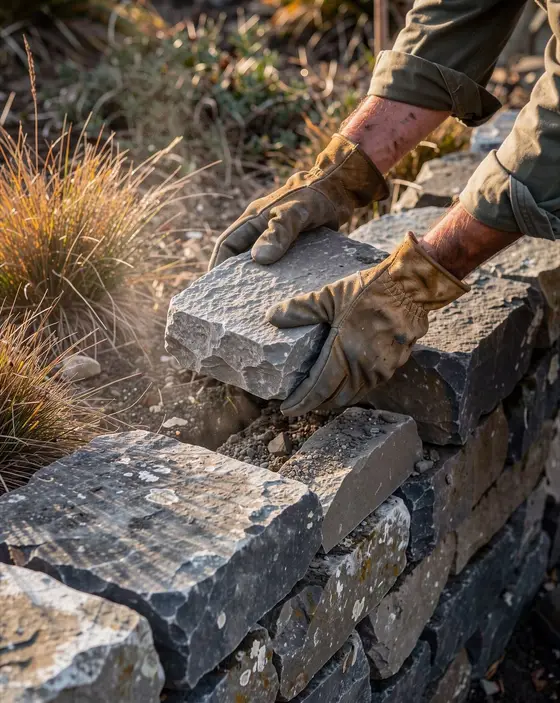
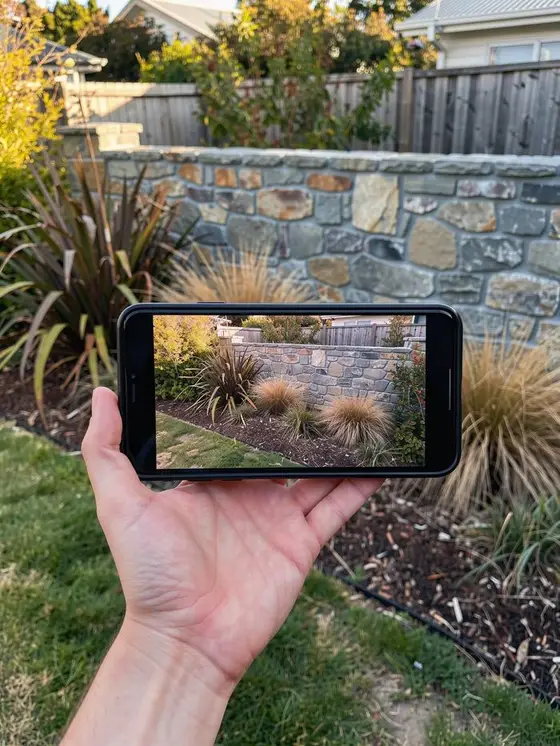
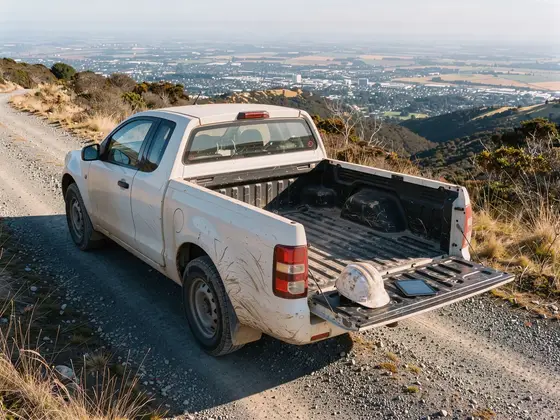
Photos of the way in - the gate, the sign-in hut, where to park - circled, arrowed and labelled. Workers swipe through them on their phone.

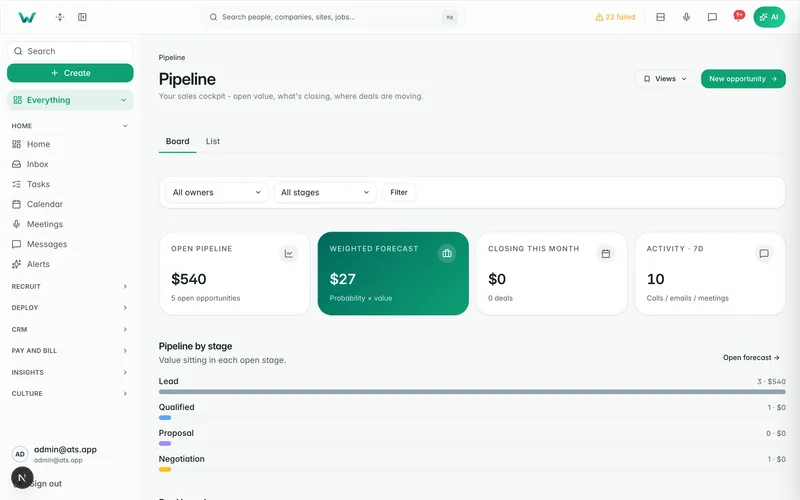
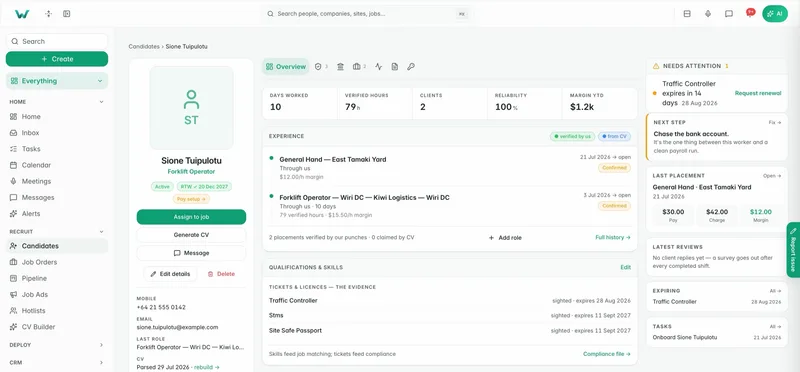
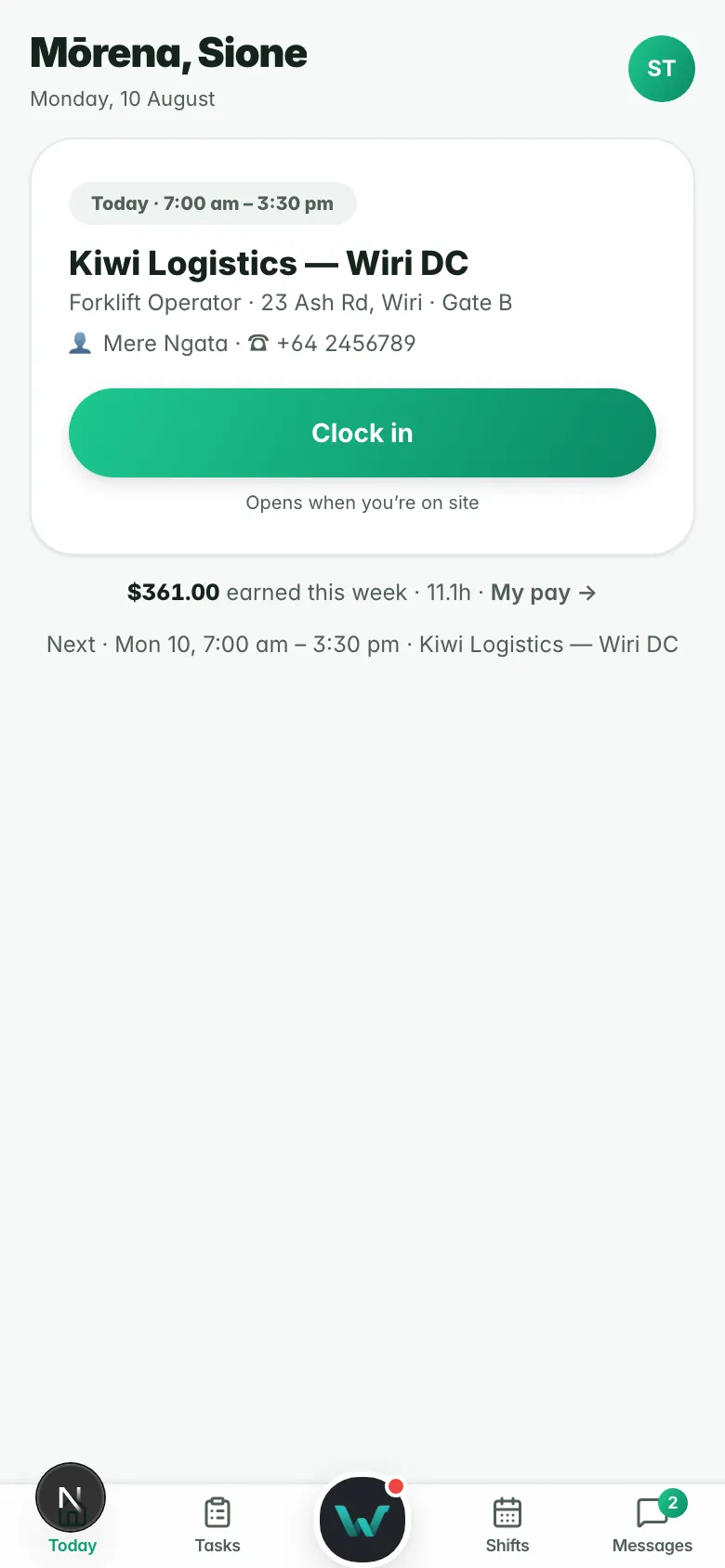
Drawn from the product’s own layout with sample data.
A pin and a ring for every site
Place the sign-in point on the map and set the ring workers’ GPS is checked against when they sign in. Add the site’s opening hours and notes on how to get in. The client can keep these up to date from their portal too.
- Sign-in point and radius per site
- Opening hours and access notes
- Kept current by you or the client
Sign-in location (example)
- Site
- Coldline Storage, Hornby DC
- Sign-in point
- Gate 2, Chapmans Road
- Ring
- 150 m
- Open
- 5:30 am to 6 pm
- Getting there photos
- 4
- Bring
- Hi-vis, steel caps, ID
Photos of the way in, marked up
Add Getting there photos of the gate, the sign-in hut and the parking. Circle the gate, draw an arrow to the hut and write “Park here”, with a finger on a phone or a mouse on a desk. Workers swipe through them on their phone, open them full screen and tap Open in Maps.
- Circle, arrow, pen and text marks
- Swiped through on the worker’s phone
- Open in Maps from the same screen

What they need, before they arrive
The site lists the tickets, gear, inductions, declarations and forms it requires, and the same list shows in the client portal. Preview exactly what a worker sees at sign-in, or what a given trade sees. A new site can start as a copy of one you already have.
- Tickets, gear, inductions and forms per site
- Preview the worker’s view by trade
- Copy a site to start the next one

Sign in by app, QR or kiosk
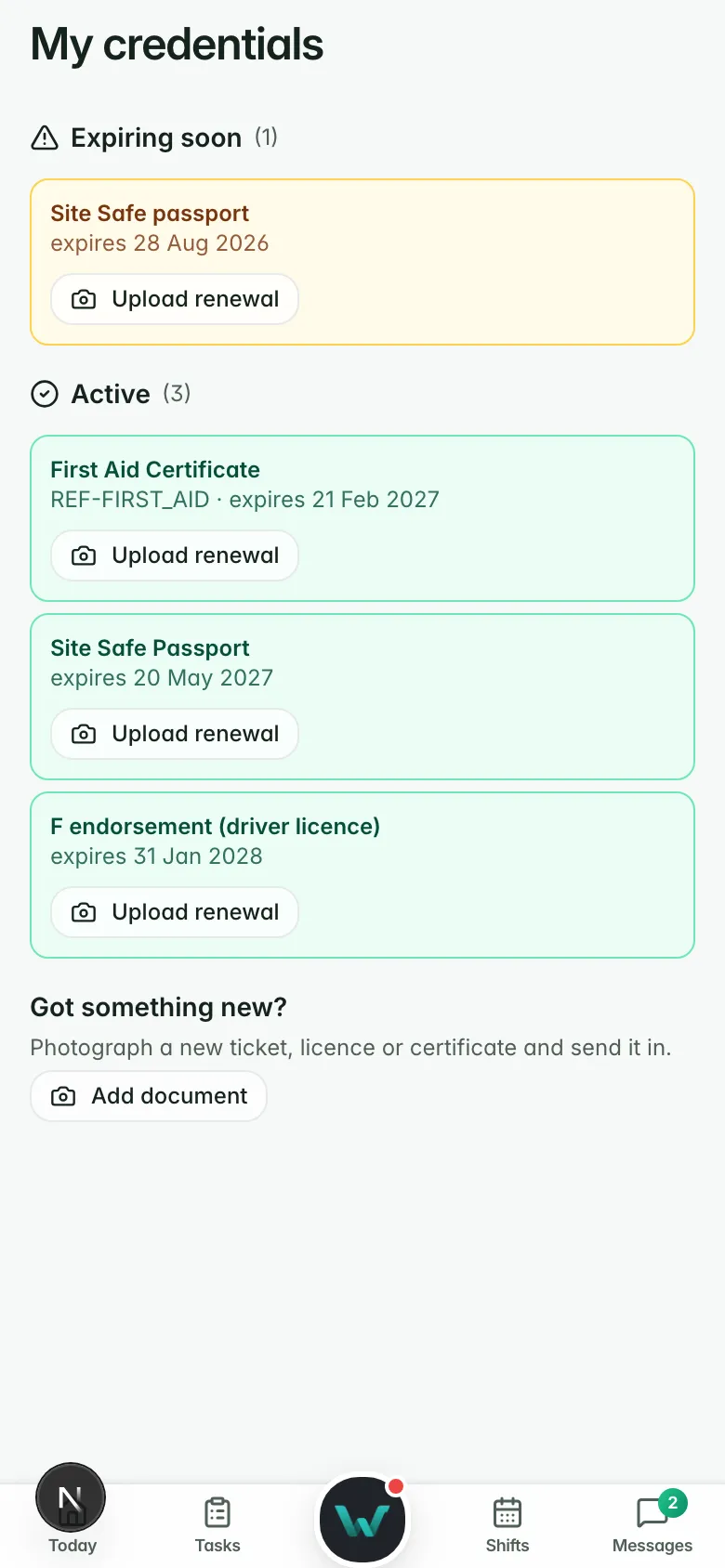
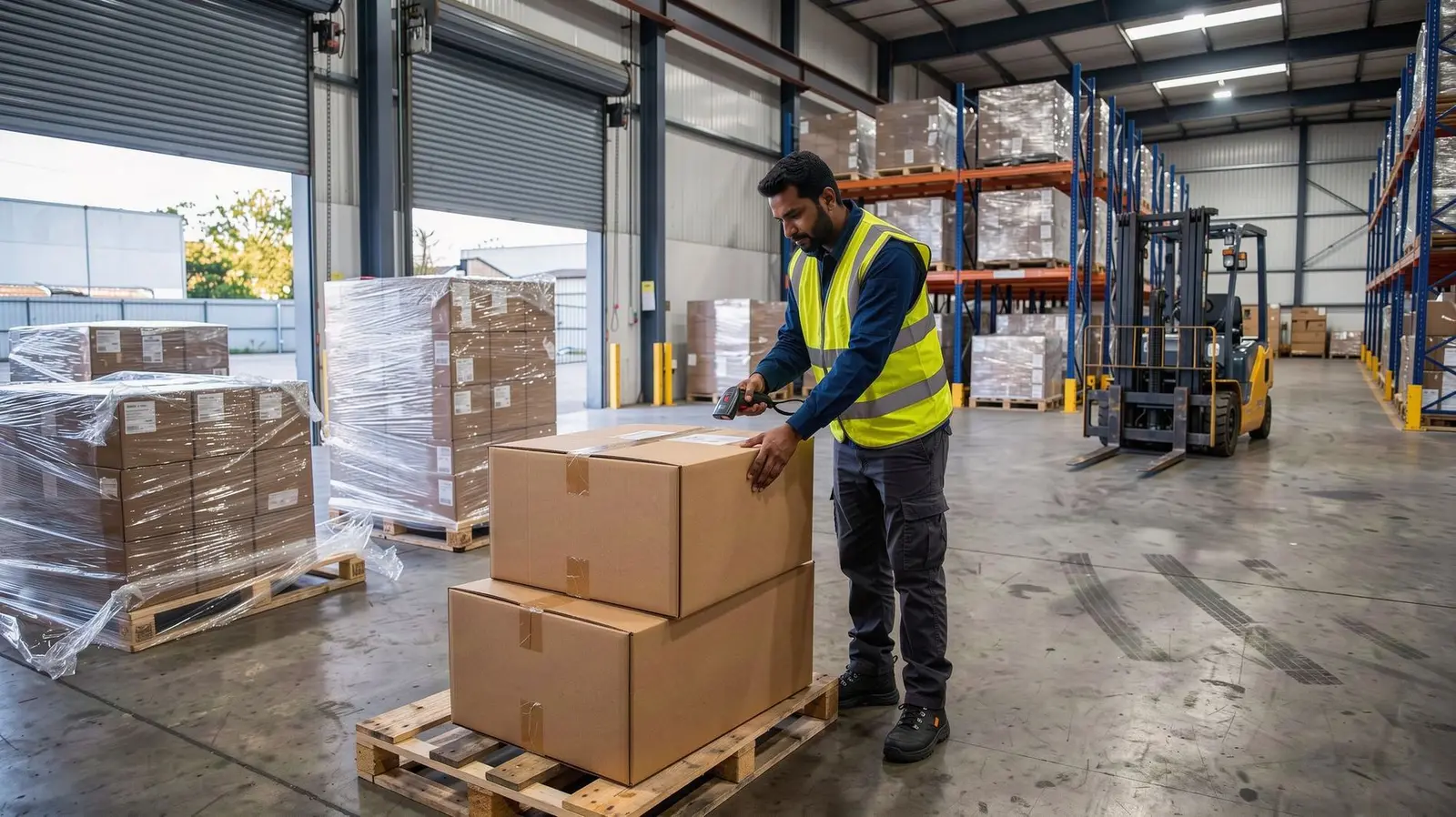
Print the sign-in QR poster for the gate, or set an iPad up as the site register, which doubles as the evacuation list. Each worker has a pass on their phone and a printable card: a host scans it and sees their name, photo and whether they are valid at this site. Visitors sign the register from a visitor QR.
- Sign-in QR poster and iPad kiosk
- Worker pass with “valid at this site”
- Visitor register by QR
Why it matters.
Marked-up photos show the way in before the first shift.
Tickets, gear and inductions sorted before they leave home.
GPS, QR, kiosk or pass, live for the desk and the client.
Questions
before you start.
Short answers to what agencies ask first.
Where does a worker see the Getting there photos?
Can the client set requirements?
Do visitors need the app?
How big is the sign-in ring?
Get the next crew there on time.
Six months free, every feature, and your data moved for you.