



















Security and data residency, in plain English.
You are handing us your workers' personal details and your clients' commercial information. Here is how it is kept, who can reach it, and — just as usefully — what we do not claim.
Security pages usually read like a certification list. We do not have certifications yet, so this one is the other thing: a plain account of how the product is actually built. We are pre-launch, which is the most useful security fact here — every control below went in before anyone's data was in it, rather than after an incident.
Where your data lives
One region, and we can tell you which. The application runs on Fly in Sydney and the database sits in the same city on AWS ap-southeast-2 — the closest region to New Zealand that a managed Postgres exists in. Nothing is quietly replicated offshore; adding an overseas processor would be a decision with a paper trail, not a config change.
- Application on Fly.io in Sydney; database in Sydney (AWS ap-southeast-2)
- HTTPS forced on every request, with strict transport security preloaded
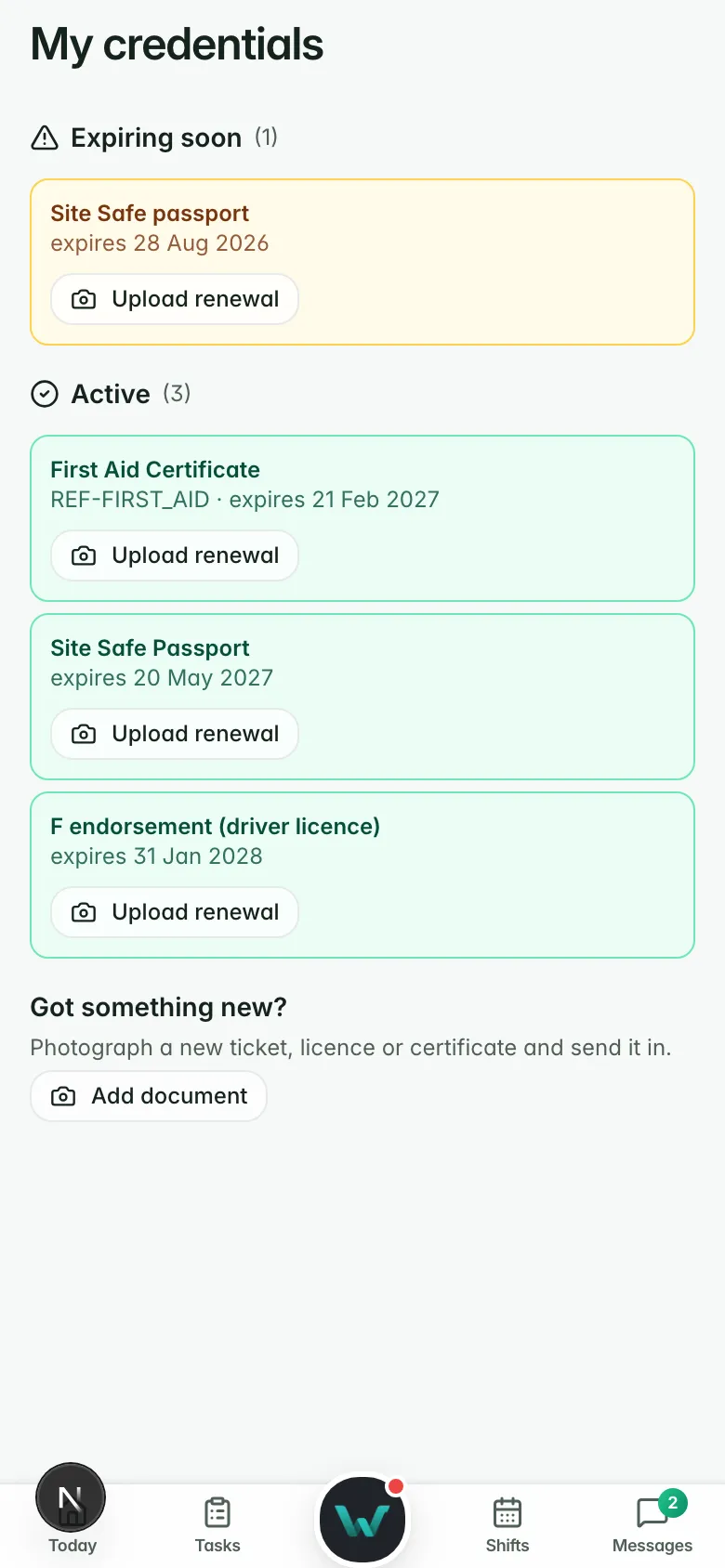
- Documents held in private storage and served by time-limited signed links, never a public URL
Data residency
- Application
- Fly.io, Sydney
- Database
- Supabase, Sydney
- In transit
- TLS, HTTPS forced
- Documents
- Private, signed links
- Regions
- One. Sydney.
Two boundaries, not one
Every agency is a separate tenant, and there are two independent things keeping them apart — which is deliberate, because a single control is a single point of failure. Inside the application, every query is scoped to your organisation in code and behind a permission check. Underneath, row-level security is switched on across the database, so the data API a browser can reach refuses to answer for anyone else's rows even if the application were bypassed entirely.
- Row-level security is used in the database
- Every application query scoped to your organisation, and re-checked against a live membership rather than trusting the login token
- Cross-tenant tests run on every pull request, each proving both halves: the rival is refused, and your own staff still get through
- Rival client companies inside one agency are separated too — a supervisor sees their own sites, not the competitor down the road
Tenant isolation
- Row-level security
- Used
- App-path scoping
- Per-query, permission-gated
- Cross-tenant tests
- Every pull request
- Client-to-client
- Separated inside a tenant
People see only what their job needs
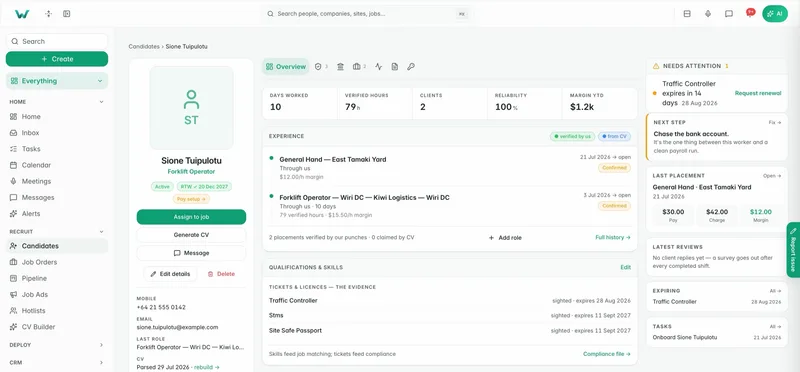
Access follows the role, and the roles are yours to change. Thirty-three named permissions across twelve areas — candidates, pay and bill, compliance, settings and the rest — with fifteen roles seeded ready for a labour-hire desk. A consultant does not see payroll. A worker sees their own shifts, not your margins.
- 33 permissions in 12 groups; 15 seeded roles you can edit or replace
- Staff, client and worker are separate portals with separate rules, not one app with things hidden
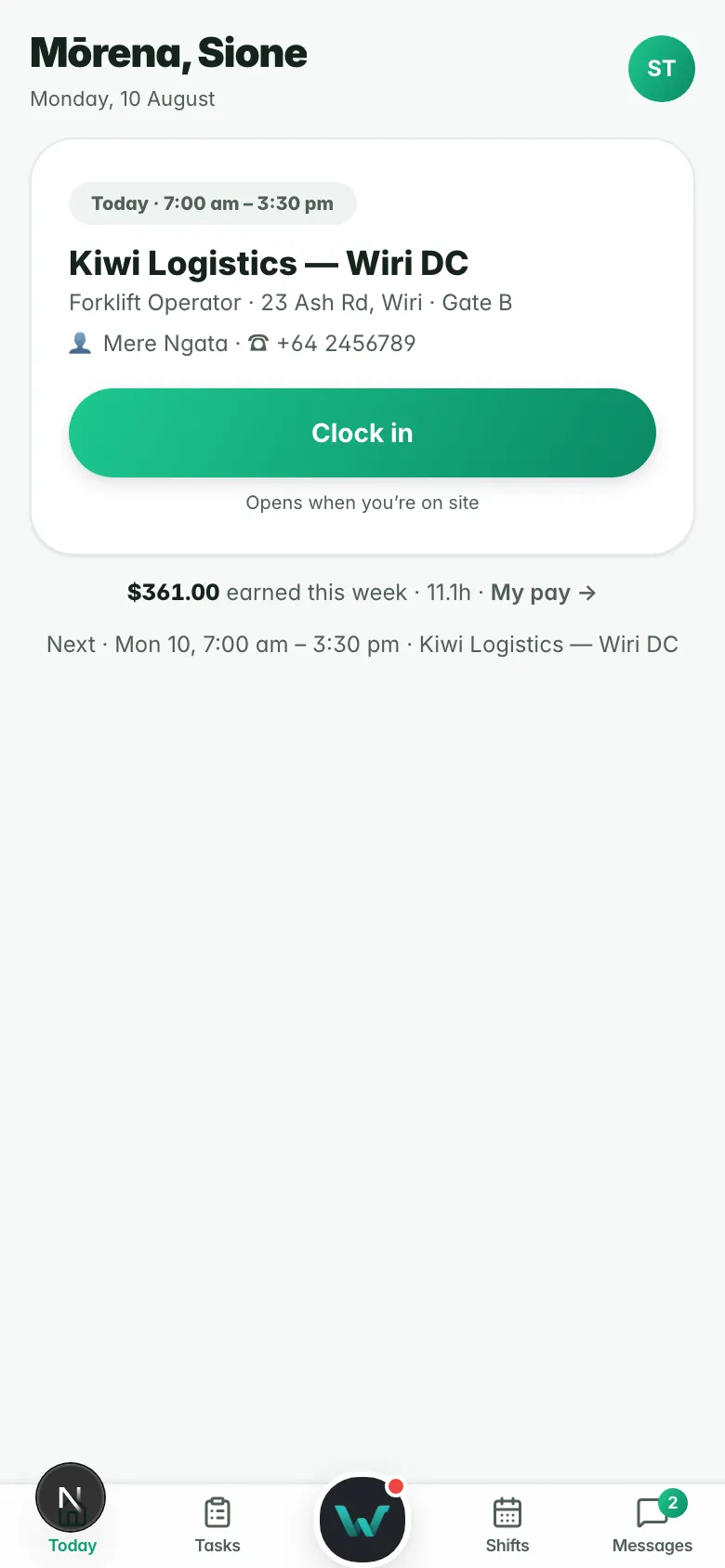
- Workers can register a passkey — a fingerprint, face or device PIN — and it proves it is really them when they clock in on site
- Staff can sign in with their Microsoft or Google account, or with email and password
- Two-factor sign-in is available for anyone who turns it on, and a workspace can require it for the staff roles it chooses

A record that cannot be quietly edited
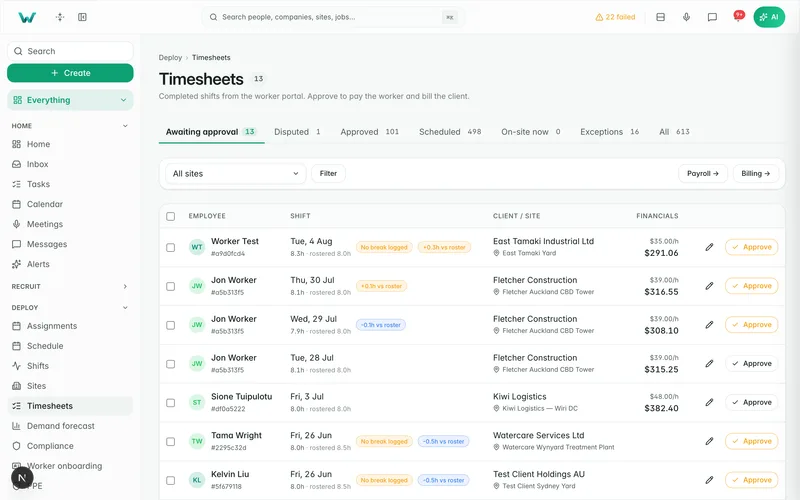
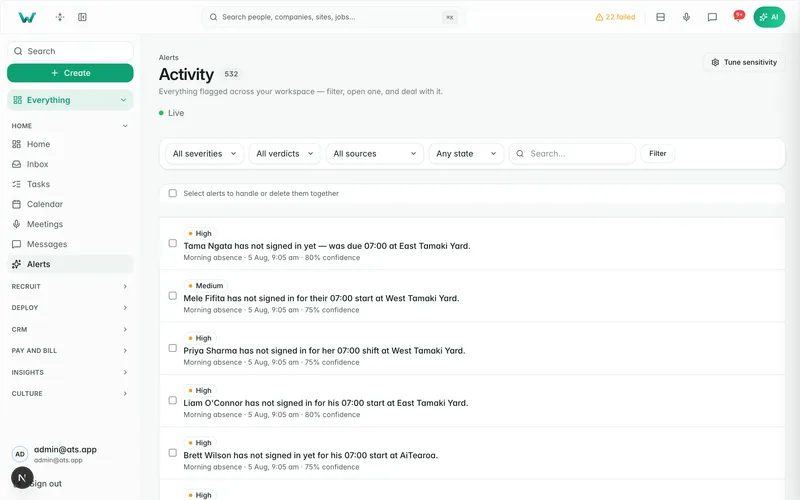
Sensitive actions are written to an append-only audit log, and each entry is hash-chained to the one before it within your tenant. The chaining is done by the database itself as the row is written, not by the application asking nicely, so changing what an old entry recorded breaks every hash after it. A scheduled job re-walks the chain nightly and shouts if it does not add up.
- Chained per tenant, in the database, at write time
- Append-only: no path in the product updates or deletes an entry
- Re-verified nightly, end to end
- Answers who did what, to which record, and when
The audit chain
- Scope
- Per tenant
- Written by
- The database
- Hashed
- The event payload
- Outside the hash
- Timestamp, IP, user agent
- Verified
- Nightly
- Deletable
- No
Keeping things, and getting rid of things
New Zealand privacy law says personal information should not be kept longer than it is needed, and employment and health-and-safety law says some of it must be kept for years. Those pull in opposite directions, so retention is a setting you control per tenant rather than a number we chose for you — and a legal hold beats it.
- Retention periods set per record type, in your own settings
- An hourly sweep applies them; it is not a promise that runs once a year
- A legal hold stops deletion at the database itself, on 48 record types, so even a cascading delete cannot get past it
- Holds are checked again in the application before any erasure runs
Retention and holds
- Retention rules
- Yours, per record type
- Sweep
- Hourly
- Legal holds
- 48 record types
- Enforced at
- Database and app
The AI does nothing you have not allowed
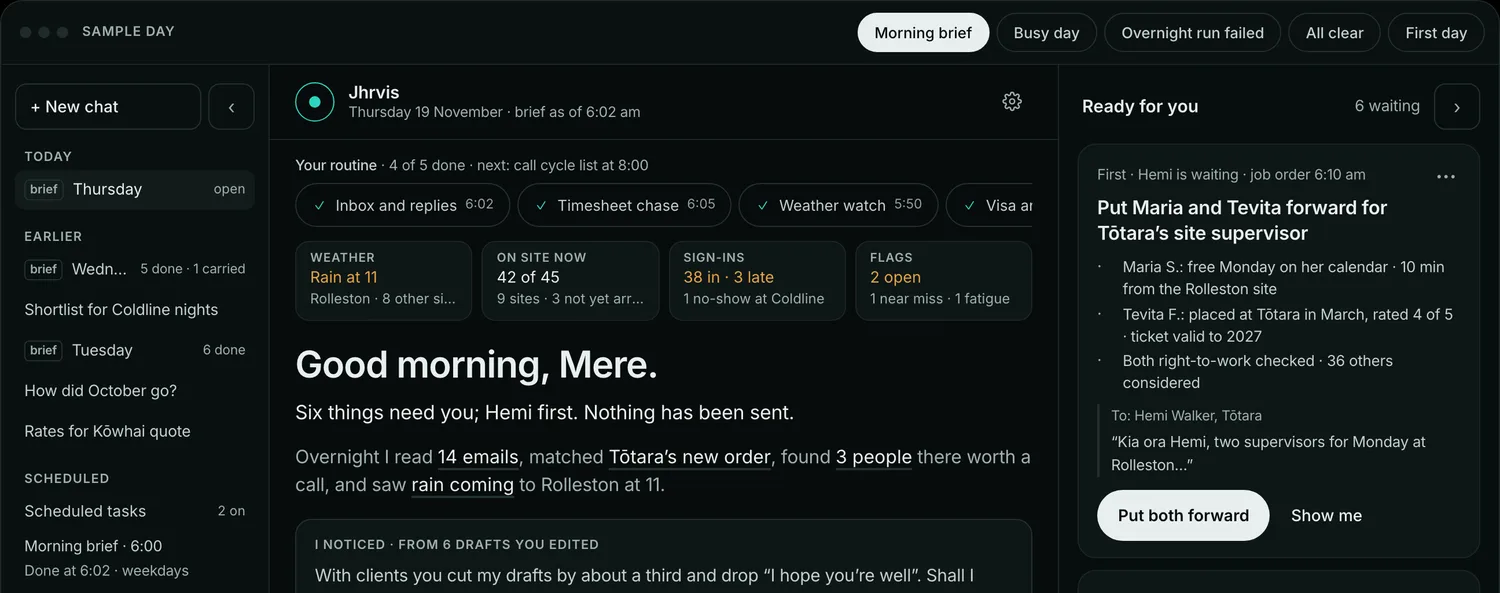
Workhr has an assistant that can read your data and take actions. Because that is a genuine risk surface, it ships with the switches on the outside: turn it off for the whole organisation, put it in read-only mode so it can answer but never change anything, or leave it on and choose action by action what it may do.
- One switch turns the assistant off for the entire organisation
- Read-only mode blocks every write, regardless of the individual settings
- Per-action switches for everything that changes data
- Tool calls that change data are written to the audit log like any other action

Controls that run before the code ships
Most breaches are not clever. They are a leaked key, a stale dependency or a header nobody set. Those are checked mechanically, on every change, rather than being somebody's job to remember.
- Ten checks run on every pull request, including a secrets scan of the whole repository
- Dependencies are scanned against public advisories, and a critical vulnerability blocks the merge
- A strict content security policy with a per-request nonce, framing denied, and HSTS preloaded
- Sign-in and sign-up are rate limited

What we do not claim
A security page that only lists strengths is not a security page. These are the things a careful buyer will ask about, and the true answer to each. We would rather you hear them here than find them in month three.
- No SOC 2 and no ISO 27001. Neither has been started, and we will not imply otherwise.
- No penetration test has been carried out yet.
- We quote no recovery-time or recovery-point objective and describe no backup guarantee. Backups are whatever our managed database provider's plan holds; ask, and we will tell you what that is on the day rather than print a number here we have not tested.
- Two-factor sign-in is available but not enforced by default: an administrator turns the requirement on per staff role, and until they do it is only as strong as your team's uptake.
- Passkeys are not a way to sign in, for anyone. The worker portal uses them to prove identity at site clock-in; every account still signs in with a password, a Microsoft account or a Google account.
- Single sign-on is Microsoft Entra ID and Google Workspace, with group-to-role mapping and SCIM provisioning from Entra only, and it is new: there is no SAML and no Okta sign-in, and no customer has yet run it in production. Signing in with a personal Microsoft or Google account is not the same thing, and we do not call it that.
- One region means one region: there is no second-region failover, and we publish no uptime figure because we do not yet measure one.
- The cross-tenant test suite proves the highest-risk tables directly and names the rest; it does not yet carry an executing assertion for every table in the schema. We will show you the coverage report.
- No customer references, case studies or logos. We are pre-launch. Everything above is a description of the build, not of someone else's experience.
Certification status
- SOC 2
- Not started
- ISO 27001
- Not started
- Penetration test
- Not yet conducted
- Published uptime SLA
- None
Why it matters.
Sydney for the app and the database. No offshore replication.
Tenant scoping in the app, row-level security under it.
A hash-chained record of sensitive actions, verified nightly.
No certifications yet, and this page says so.
Questions
before you start.
Short answers to what agencies ask first.
Where exactly is our data stored?
Two of our clients compete with each other. Can they see each other's information?
Is our data isolated at the database, or just in the application?
Can someone edit the audit log to cover their tracks?
Do you have SOC 2 or ISO 27001?
Do you enforce multi-factor authentication?
Do you support single sign-on with our identity provider?
Does your AI read our data, and can we stop it?
What happens to a worker's personal information when we no longer need it?
Who at Workhr can see our data?
Ask us the hard security questions.
Send us your questionnaire, or book a walkthrough — we will answer with the same specificity as this page.