



















Approved hours to paid — without re-keying.
Approved timesheets flow straight to payroll and invoicing. Pay your workers and bill your clients from the same clean data.
Re-typing timesheets into a payroll system is where money leaks and Fridays disappear. Workhr carries approved hours through to pay and bill without anyone typing them again, with the rates that applied when the work was done.
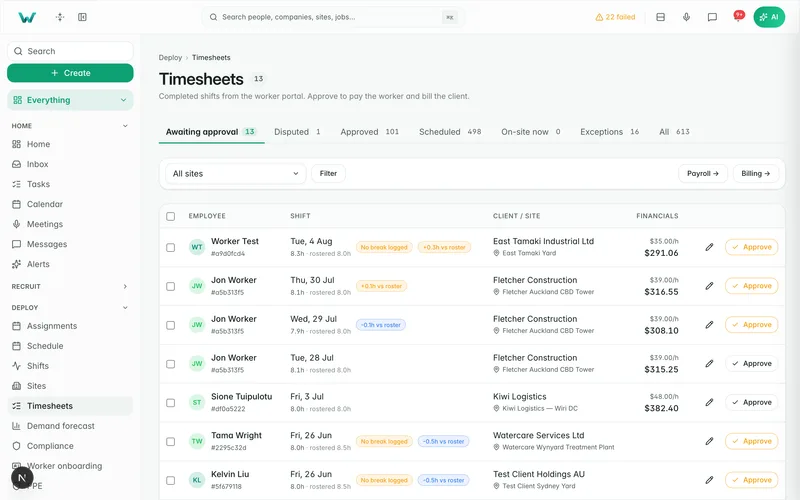
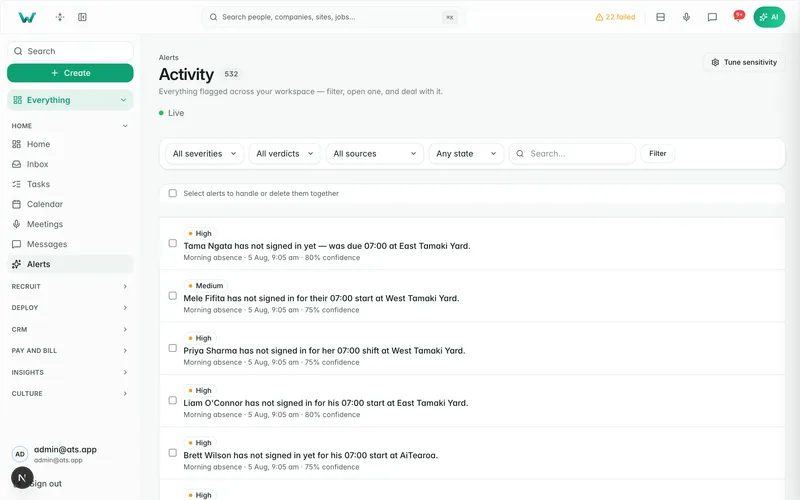
App · /timesheets
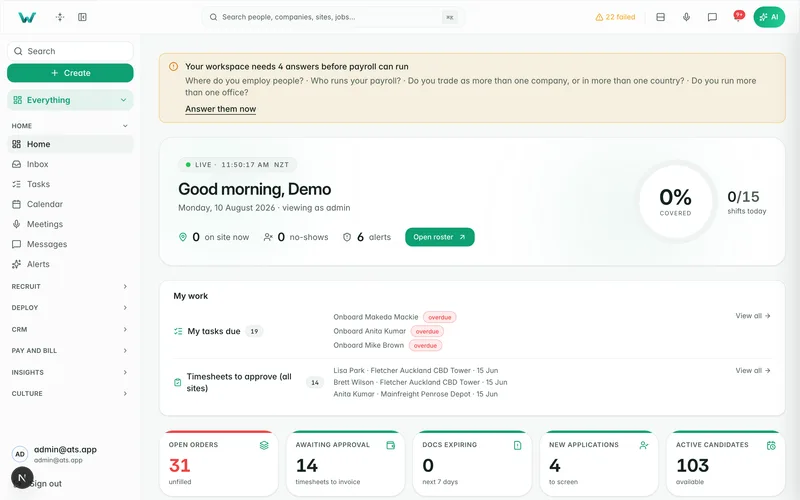
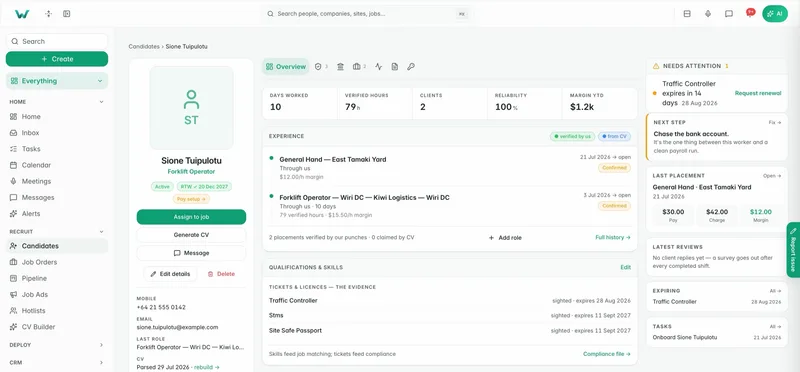
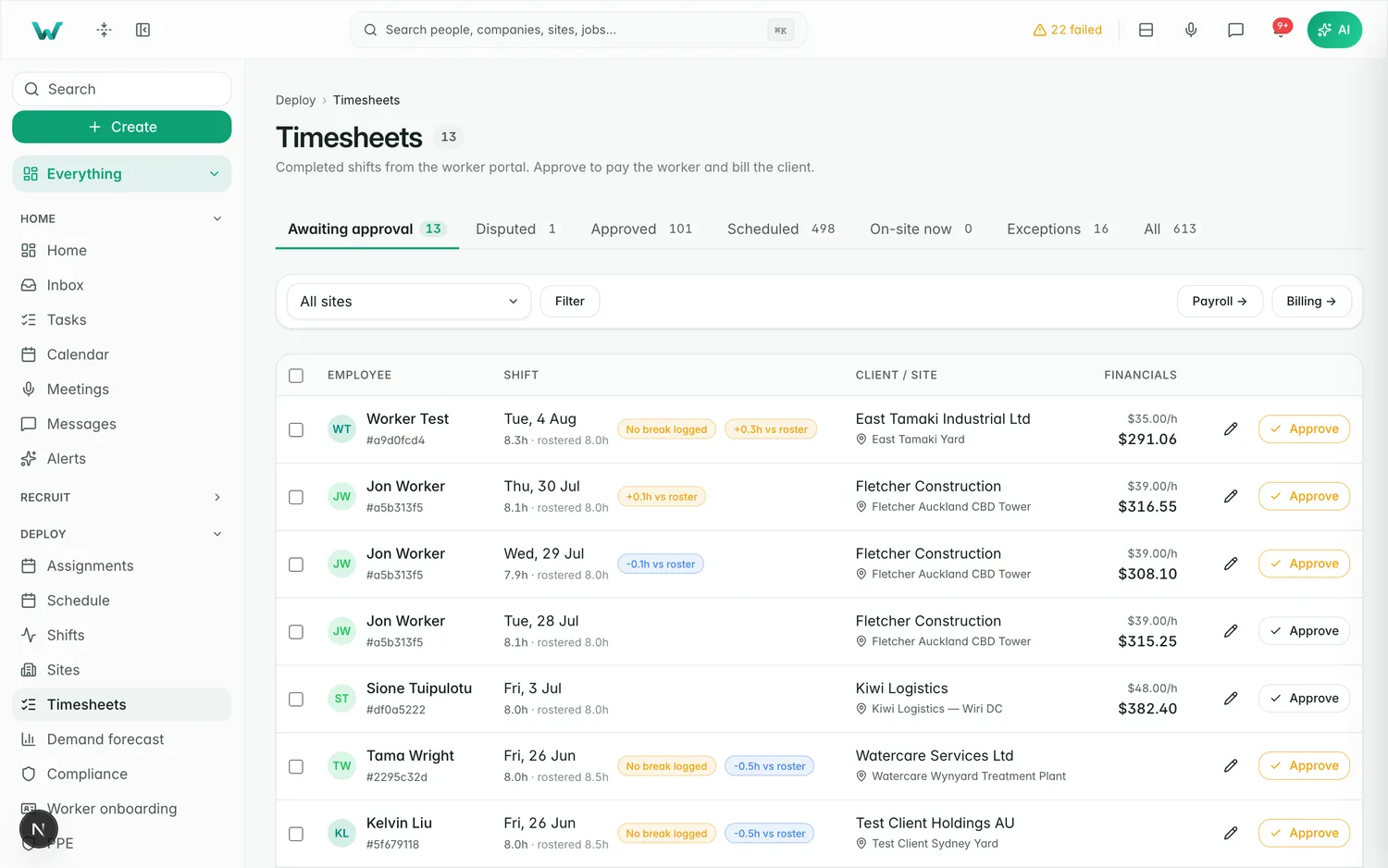
The live timesheets board on our demo agency — real software, demo data.
One flow from timesheet to pay run
Once a client approves a timesheet, the hours are ready for both payroll and invoicing.
- Approved hours flow to payroll and invoicing
- Pay the worker and bill the client from one record
- No double entry, no spreadsheet re-keys
Pay & bill
- Payroll
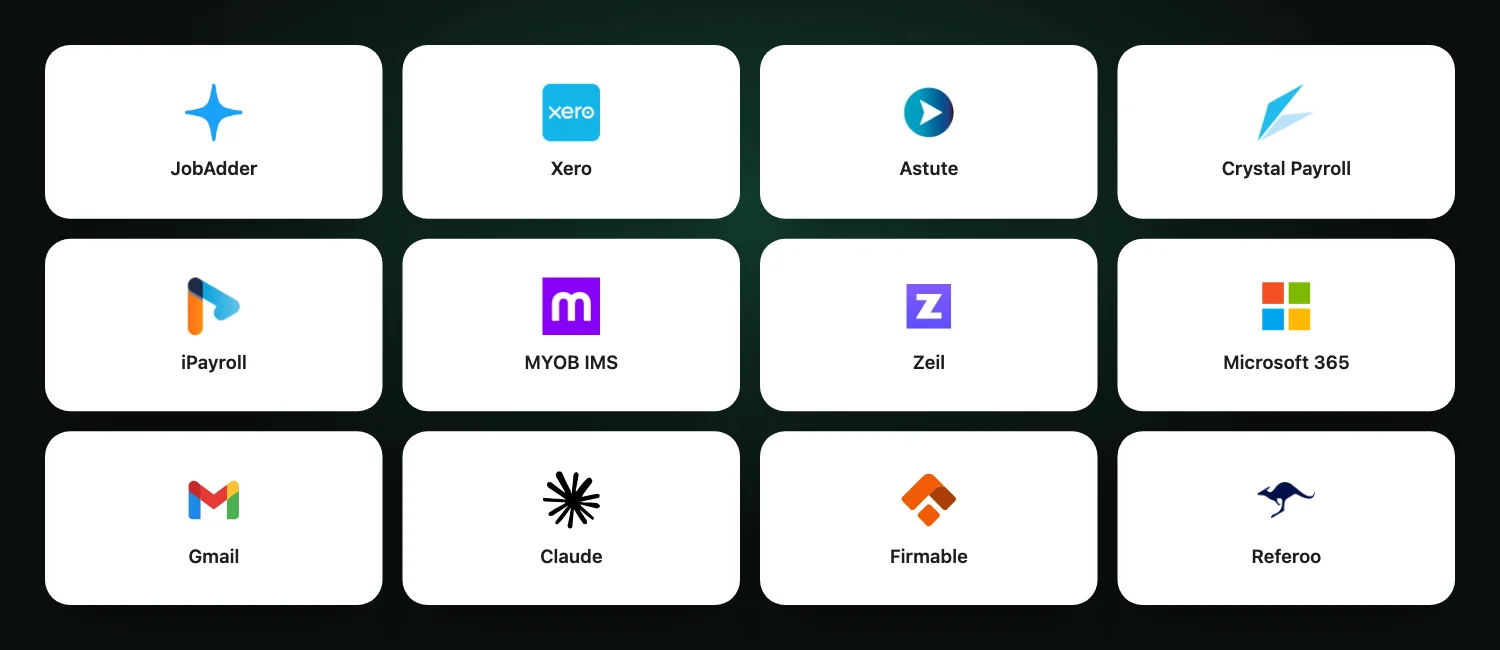
- Astute, iPayroll, Crystal, MYOB IMS or Xero
- Invoicing
- Xero
- Rates
- Effective-dated
Rates that don't re-price the past
Give someone a pay rise and last week's timesheet shouldn't change. Rates lock to the shift when it's worked.
- Rates snapshot onto each shift as it's worked
- A rate change never re-prices worked time
- Pay and charge rates tracked separately

See your margin in one pane
Because pay and bill sit on the same data, the gap between them is visible without a month-end scramble.
- Margin by worker, site and client
- Catch under-charged or over-paid work early
- Know where you stand without waiting

Hours from every door, to the engine you use
Hours arrive from GPS sign-in, the site QR or kiosk, worker-filed sheets, AI-read photos, PDFs and spreadsheets, and bulk entry by site and week. Disputed hours wait for a person, late approvals are paid as back pay, and the batch goes to Astute, iPayroll, Crystal, MYOB IMS or Xero.
- AI reads uploaded timesheets for a person to accept
- Disputes held out of the run
- Site QR and kiosk sign-in: see Ready to turn up

Invoice runs and credit control
Bill every client in one run under their own terms, with margin on each line. Credit notes, receivables, statements, PO budgets, client cost codes and a credit hold are built in, and invoices push to Xero with payments coming back.
- Invoice runs and credit notes
- PO budgets and credit hold
- Quotes that set the rates: see Prospecting and deals

Why it matters.
Approved hours are already where payroll needs them.
No manual re-keying means fewer pay disputes.
Know what each placement actually earns.
Make Friday pay day, not paperwork day.
See timesheets flow to pay and bill — book a demo.