




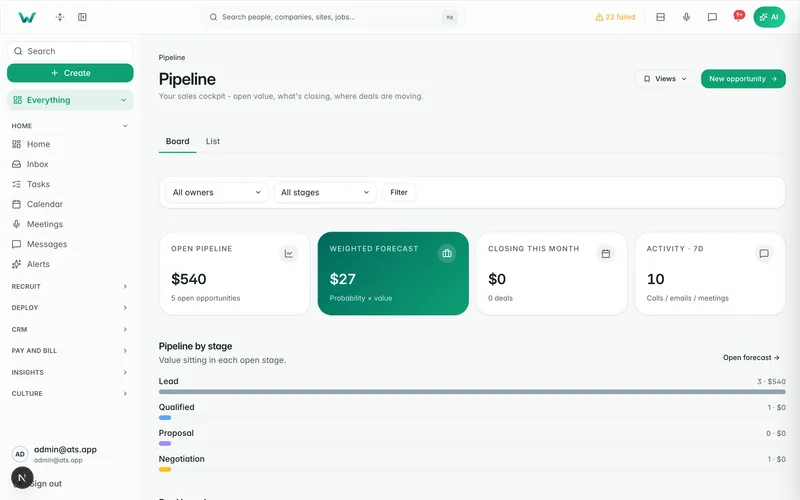

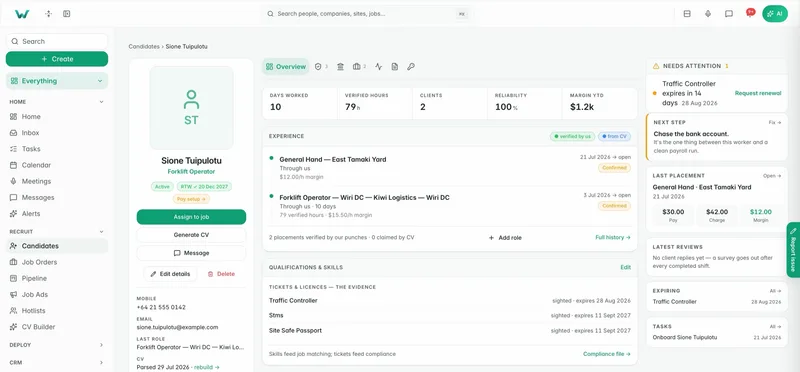
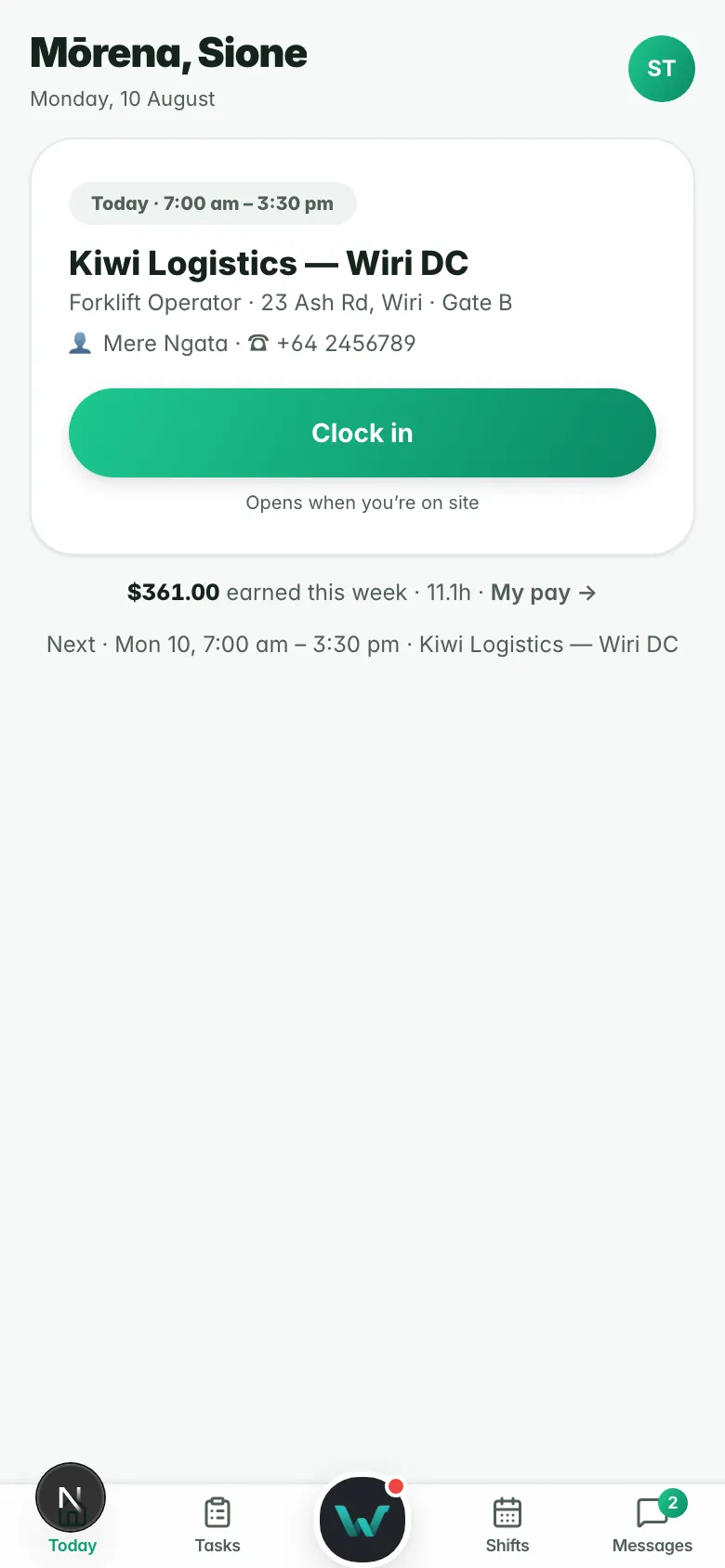



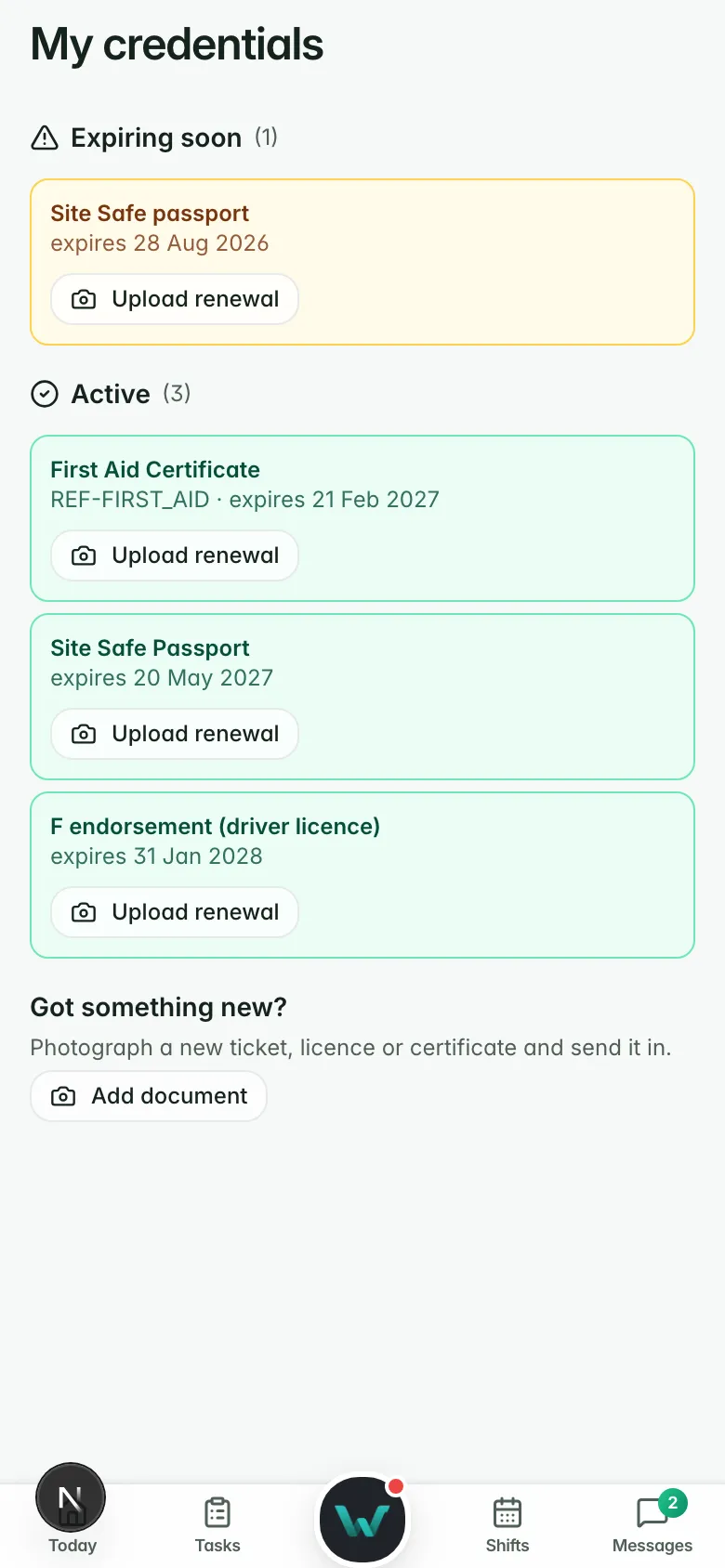






Booking links that book real meetings.
Booking types with your availability, interviews candidates book themselves, clients booking time with your agency, and a notetaker that joins the call.
Workhr has its own scheduler, so a booking is a real meeting on a real record, not an email to copy across. It works on Workhr’s calendar alone and writes to Google or Outlook when you connect them.
One link for each kind of meeting
Each booking type sets its length and location (a video link made for each booking, a phone call, an address or your own link), your availability, notice, horizon and buffers, a daily cap, the questions to ask, reminders and a confirmation note.
- As many booking types as each person needs
- A video link made for each booking
- Questions answered before the meeting
Booking type (example)
- Name
- Site walk-through, 30 min
- Location
- Video link per booking
- Availability
- Mon to Fri, 8 am to 4 pm
- Notice
- 4 hours
- Buffer
- 15 min after
- Notetaker
- On
Availability that matches your week
Set a weekly schedule, then override single dates for leave or a site day. Times are right in every time zone. Bookings land on Workhr’s calendar first, then on Google or Outlook if connected, and you choose which one receives new bookings.
- Schedules with date overrides
- Two-way with Google and Outlook
- A calendar invite file for everyone else

Candidates and clients book themselves
Candidates pick an interview time from an invite, and move or cancel it from the same link. Clients book a meeting with your agency in the client portal, from booking types marked “Offer to clients”. Guests answer an invitation by link.
- Interview self-booking, with move and cancel
- Clients book from the portal
- RSVP links for guests
The notetaker comes to the call
Turn on the notetaker for a booking type and it joins the video call. The meeting opens with its transcript, a summary and action items that become tasks, filed on the candidate or client.
- Notetaker on booked video calls
- Summary and action items on the record
- Follow-up drafted from the meeting
Why it matters.
Every booking is a meeting on the record, not an email.
Candidates and clients pick the time; you stop the back-and-forth.
The notetaker joins and files the summary.
Questions
before you start.
Short answers to what agencies ask first.
Do we need Google or Outlook?
Can a candidate reschedule?
Can clients book time with us?
How many booking types can we have?
Send a booking link today.
Six months free, every feature, and your data moved for you.