














Facebook, Instagram and WhatsApp, run from the desk.
Post to your Facebook Page and Instagram on a schedule, boost job posts inside a monthly cap, bring Meta lead forms into the pipeline, and answer comments, DMs and WhatsApp in Messages.
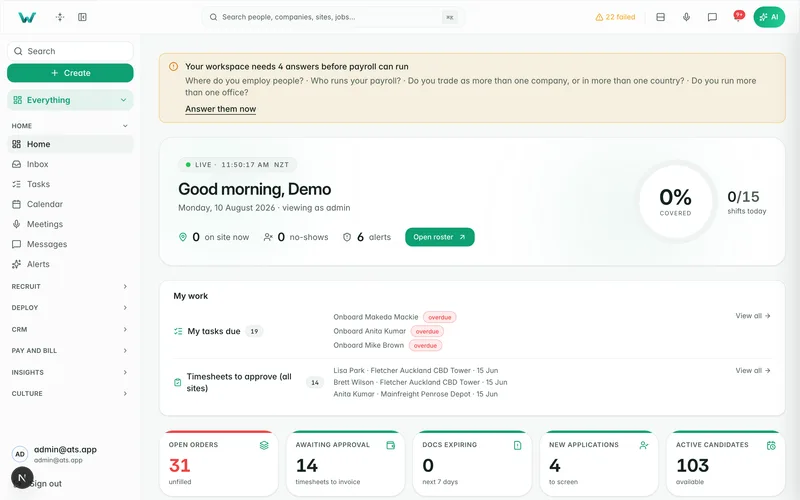
Job posts, boosts and replies used to live in a phone and a browser tab nobody else could see. Workhr puts the agency’s Facebook Page, its linked Instagram account and its WhatsApp Business number beside the job orders and the pipeline, so every post, applicant and reply sits on the record.
Every post on one calendar
Connect your Facebook Page through Facebook Login for Business, and the Instagram account linked to it comes too. Job posts are written from the ad’s Meta tab, brand posts start from templates (Now hiring, Team win, Day on site), and Workhr’s scheduler publishes them on time. Results come back every hour.
- Image, link, carousel, story and reel posts
- A second person approves each post, when you switch approvals on
- Reach, views, clicks, comments, shares and saves per post
Scheduled post (example)
- Channels
- Facebook + Instagram
- Post
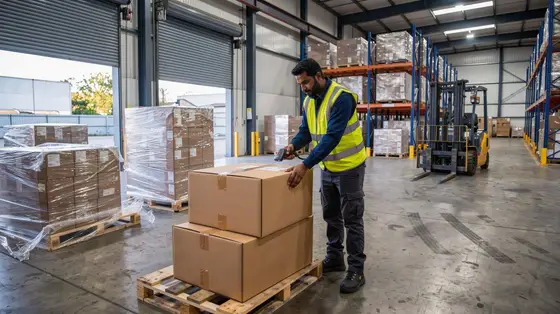
- Now hiring: forklift drivers, Hornby
- Scheduled
- Tue 7:30 am
- Approved by
- Tama
- Reach after 24 hours
- 3,412
- Applicants from the post
- 9
Boosts that stay inside the budget
Paid boosts run in your own ad account, with Meta’s employment ad category applied and a monthly cap. Prepare a boost first and you see Meta’s reach estimate and a preview, then press Start. Lead forms built from the ad send applicants straight into the pipeline.
- Employment ad category on every boost
- A monthly cap, with spend by ad, job order and client
- Applicants tagged Facebook, Instagram, boost or lead form
Comments, DMs and WhatsApp in Messages
Comments on your job posts and DMs to your Page arrive as threads in Messages, next to worker chat and texts. Connect your WhatsApp Business number through Meta’s sign-up and workers’ messages land there too, with photos and voice notes, translated both ways.
- “Make a candidate” from a comment or DM
- WhatsApp templates for outside the 24-hour window
- Opt-outs honoured per channel

Job reels from the ad you already wrote
A job reel is rendered from the ad’s details, pictures and footage. Quick reel turns a phone clip into a captioned reel with the pauses cut, your logo, music and a job end card. The video editor and subtitles cover everything else, inside a monthly render allowance.
- Job reels from the ad
- Quick reel from a phone clip
- Team Feed posts shared to your Page with the author’s consent

Why it matters.
Every Facebook and Instagram post, scheduled and measured in one place.
Boosts run in your ad account, inside the monthly cap you set.
Comments, DMs and WhatsApp land in Messages beside worker chat.
Questions
before you start.
Short answers to what agencies ask first.
Whose accounts does Workhr use?
Do boosts follow Meta’s rules for job ads?
Who can spend money on boosts?
Where do lead form applicants go?
Is video included?
Run your social channels from the desk.
Six months free, every feature, and your data moved for you.