
















Workhr
JhrvisPricing
A worn white hard hat on a dark background
Jhrvis

Meet Jhrvis.

Your AI teammate.

Jhrvis works the night shift on your desk. It runs your routine before you start, lines up finished work for you to send with one tap, and learns how you like things done.

Try it

This is your morning.

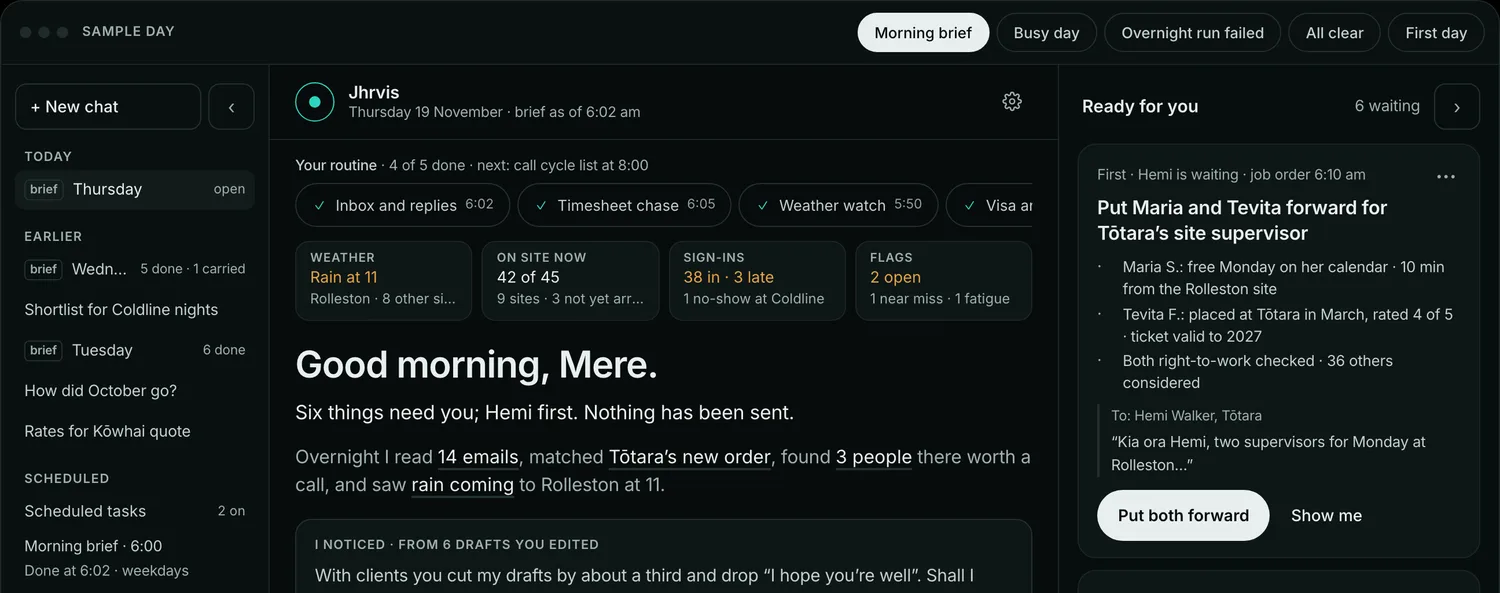
A sample day at a Christchurch desk. Pick a task, tap a card, ask a question.Pick a task or tap a card. Every name and figure here is made up.

Your routine

It runs before you start.

Pick the tasks, set the times and put them in order. Each run lands in History as its own conversation, and anything that needs you becomes a card. Start from these, or ask in your own words: “every Monday at 8, list the clients I haven’t called in a month”.

Morning brief

What needs you today across email, calendar, pipeline, timesheets and compliance. Weekdays, 30 minutes before you start.

Weekly review

Your week: placements, interviews, calls and what slipped, with one suggestion. Fridays at 4:00 pm.

Timesheet chase

A chase for every worker with missing times, and a nudge for clients who haven’t approved. Mondays at 9:00 am.

Call cycle list

The clients due a call this week, each with a reason and their open orders. Mondays at 8:00 am.

Meeting prep

A short brief before each client or candidate meeting: who, last contact, open orders, agenda.

Weather watch

Rain, wind or heat at tomorrow’s sites, matched to who is rostered outdoors there. Daily at 3:00 pm.

Check-ins and visas

The check-in calls due this week, fortnightly for a worker’s first two months then monthly, and visas due a VisaView or VEVO re-check. Daily at 7:00 am.

Pipeline chase

Submissions waiting on a client past 10 days, with chase drafts citing the date.

Ready for you

Finished work, one tap away.

Each card is work Jhrvis has already prepared, with whoever is waiting first.

  • It says why. The reasons, the people it considered and the draft are on the card.
  • Show me. Replays what Jhrvis did, step by step, from the log.
  • Your call. Not today, Don’t try this one again, Not for this client, or Never suggest this kind.
  • A day that fits. The brief fits in one window, and the smaller things wait in My work.
Check-ins · migrant workforce
Ring Arjun, Losa and Rajesh for their check-ins
  • ·Arjun P.: due today, fortnightly in his first two months · visa ends 10 December, VisaView re-check due before then
  • ·Losa F.: due Thursday, fortnightly
  • ·Rajesh K.: due Friday, monthly
Migrant check-in pack · answered from the callSettling in and accommodation · hours and pay against their agreement · safety or workload · what we agreed to do, and by when · anything to raise with the host client
Start the callsHide
What I didreplayed from the log
7:00Read the check-ins due this week3 due
7:00Matched visa end datesArjun: 10 Dec
7:01Put the migrant check-in pack on each call5 questions
Timesheet chase · last week
Four workers haven’t entered last week’s times
Send the 4 textsDetails
It learns

It learns how you write.

Jhrvis compares its drafts with what you actually sent. When it spots a habit, it asks before keeping it.

  • I noticed. “You cut client emails by about a third. Shall I write them that way?” Keep, Not quite or No.
  • You told me. Say “always sign off Ngā mihi, Mere” once and every draft follows it.
  • What Jhrvis knows. Everything it has learned about you sits on one page, to change or delete.
I noticed · from 6 drafts you edited

With clients you cut my drafts by about a third and drop “I hope you’re well”. Shall I write them that way?

My draftI hope you’re well. Thanks for getting in touch about the scaffolding work, it’s great to hear from you…
What you sentThanks Aroha, six labourers for three months is very doable…
KeepNot quiteNo
Saved as “You told me”: every draft ends “Ngā mihi, Mere”.
It’s in What Jhrvis knows, where you can change or delete it.
You’re in charge

You decide what it may do.

Each kind of action has its own setting, inside the limits your agency sets. Anything Jhrvis does on its own shows in your brief with Undo, up to 20 a day.

Add tasks to your listFrom the inbox and your meetings.
OffSuggestAsk firstDo it and tell me
Hold focus time on your calendarThe block gives way if a client books over it.
OffSuggestAsk firstDo it and tell me
Move your own meetingsOnly the ones you marked flexible.
OffSuggestAsk firstDo it and tell me
Invite other people to a meetingAn invite reaches someone else, so Ask first is as far as it goes.
OffSuggestAsk firstDo it and tell me
Emails and textsJhrvis drafts them. You send every one.
You send

Your admin can turn AI off for the whole workspace, or keep it read-only, from Settings.

Tag @Jhrvis on any record

The chasing, the reading and the first draft.

Jhrvis reads the same records your desk does, so it starts where your team would.

Chase missing timesheets

Finds the shifts with no timesheet, checks the sign-ins and drafts the email to the supervisor.

Chase expiring tickets

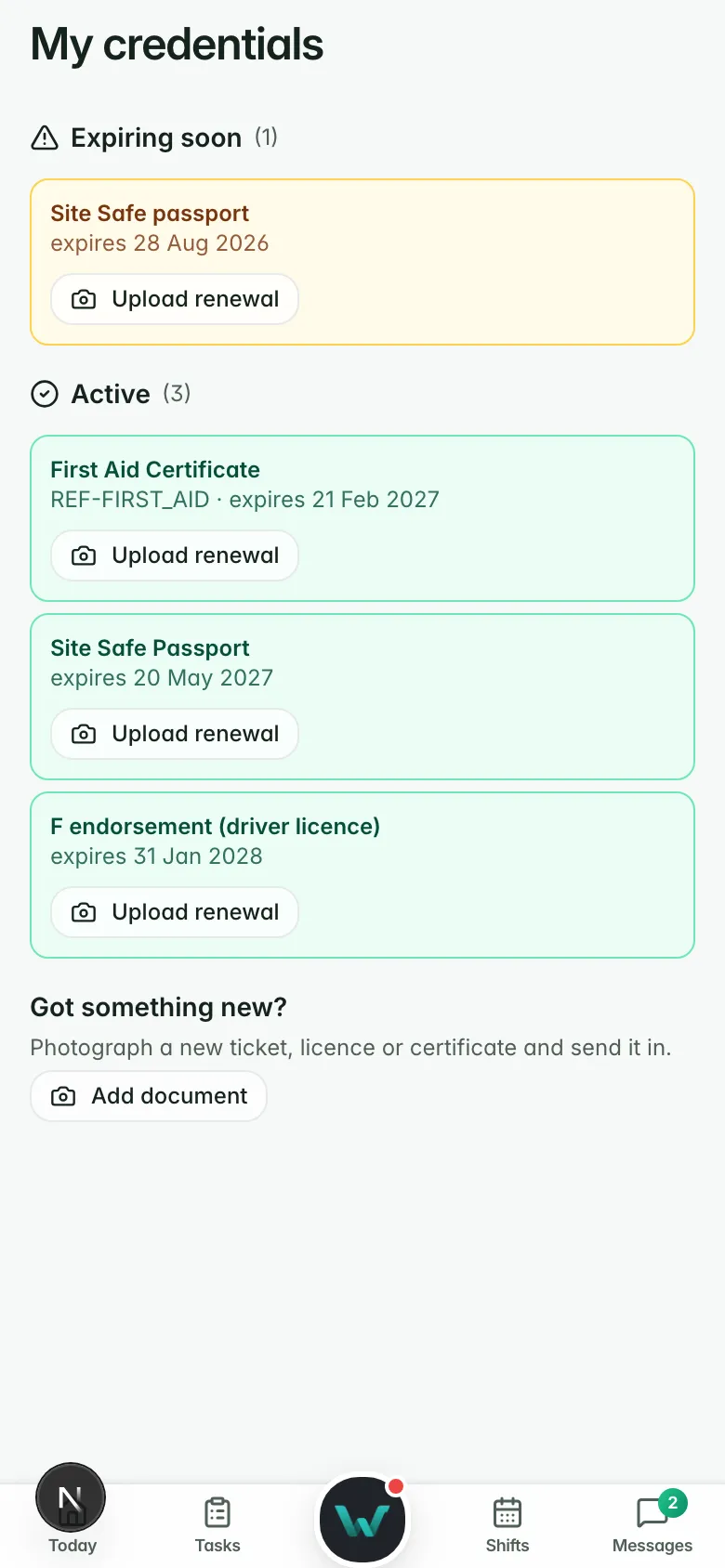
Spots what expires before the next shift and asks each worker for the renewal.

Client check-ins

Drafts the check-in email to a client from what has happened on their sites.

Availability checks

Checks a worker’s availability and drafts the message to offer the shift.

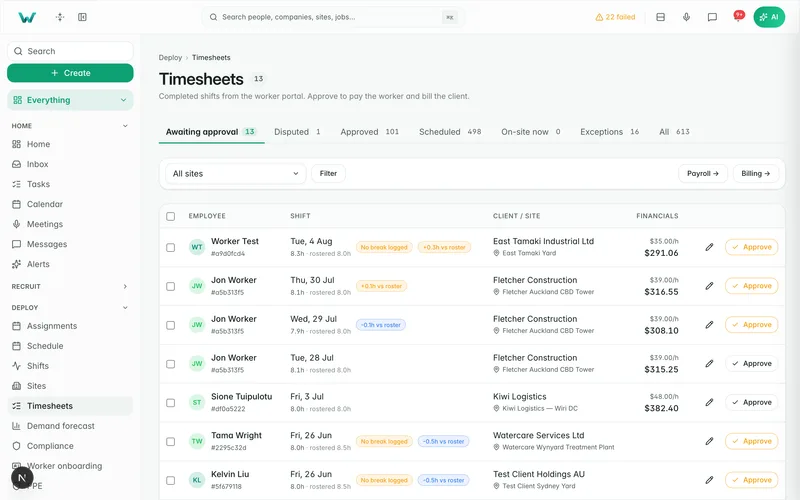
Paper timesheets

Reads paper and emailed timesheets into the same approval queue. A person confirms.

Branded CVs

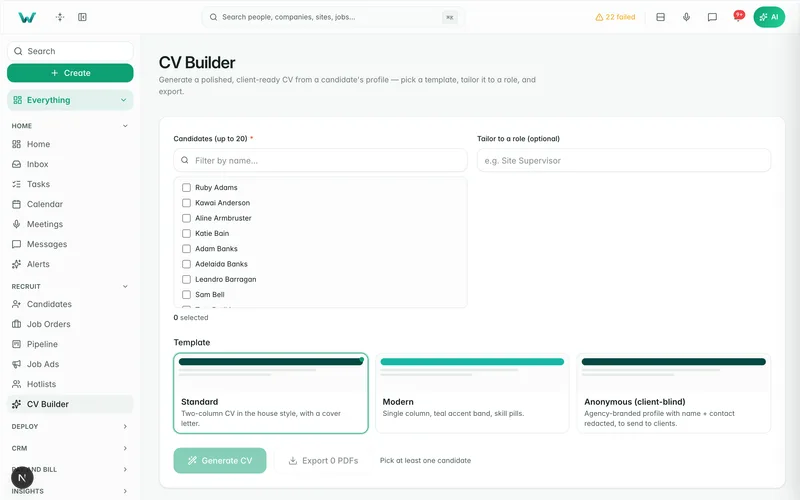
A CV and cover letter from the candidate record in four templates, including a client-blind one. It never changes the employers, dates or tickets.

IDs and licences

Reads credentials as they’re uploaded. Anything it isn’t sure of goes to a person.

Inductions and safety plans

Drafts the induction or safety plan for a person to check and send.

Translation

Talks to workers in seven languages and keeps their own words beside every translation.

Ask Jhrvis

Ask in plain English.

Answers come from the same live records your desk works from, and only what you are allowed to see.

Or just say “Hey Jarvis”
  • Your own Claude or ChatGPT can ask your Workhr data too, read-only and as the signed-in person.
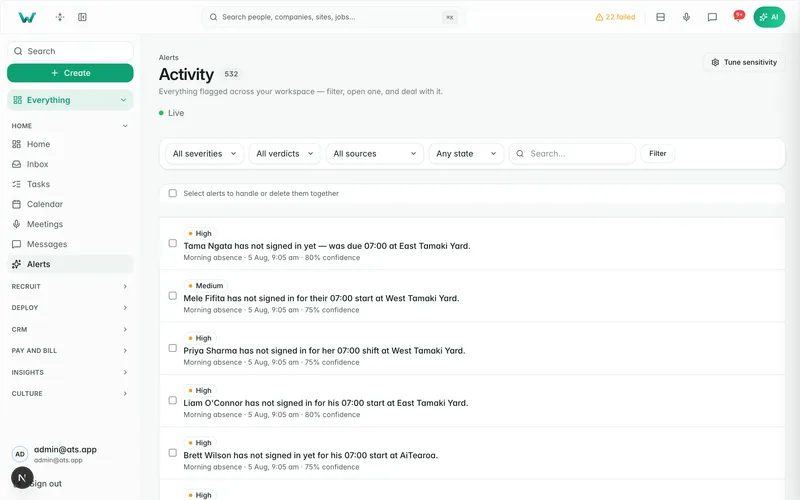
  • AI Alerts point out what changed before it costs you.
JhrvisAsk anything about your desk
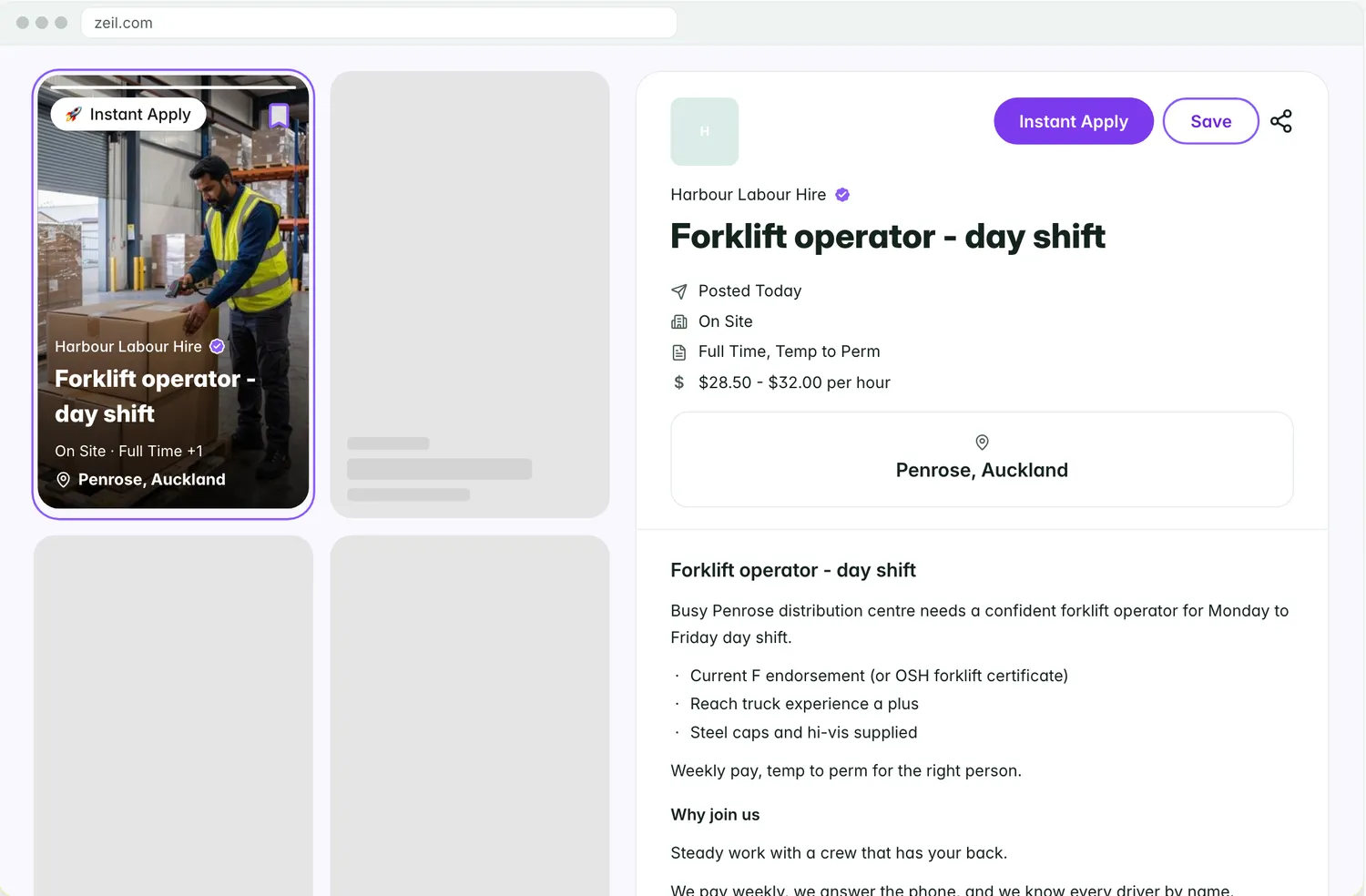
Who can cover Penrose on Thursday with a forklift ticket?

Three people are ready: Aaron P. (6 km away), Losa F. (inducted at Penrose) and Rajesh K. All three hold current forklift tickets and have nothing booked on Thursday.

Roster, credentials and availability · 9:14 am
Offer it to all three.

Three shift offers drafted, one text each, in each worker’s own language with English beside it.

Send the 3 offersEdit
Private by design

It reads only what you connect.

Your inbox and calendar stay yours. Jhrvis works from what you connect and what your role already lets you see in Workhr.

Your accounts, connected by you

Jhrvis reads the inbox and calendar you connect from your own account. Nobody connects them for you.

Counts for managers

Your manager sees how many runs and cards Jhrvis made for you, not your mail or your drafts.

Every step on the log

Show me replays any card from the log, and every change Jhrvis makes is on the audit trail.

Sources in plain sight

The rail shows each connection and when it was last read, so you always know what Jhrvis saw.

Jhrvis comes with every workspace.

AI is billed on what you use, around $20 to $30 a month even on a busy desk.