
















Your own jobs board, everywhere candidates look.
A branded jobs board with AI search, a widget for your own website, a listing AI assistants can search, and job alerts in the worker app.
Every job you advertise should also live on your own board, under your name. Workhr publishes your open jobs to a board you control, puts them on your website, and tells the workers you already know when something matches.
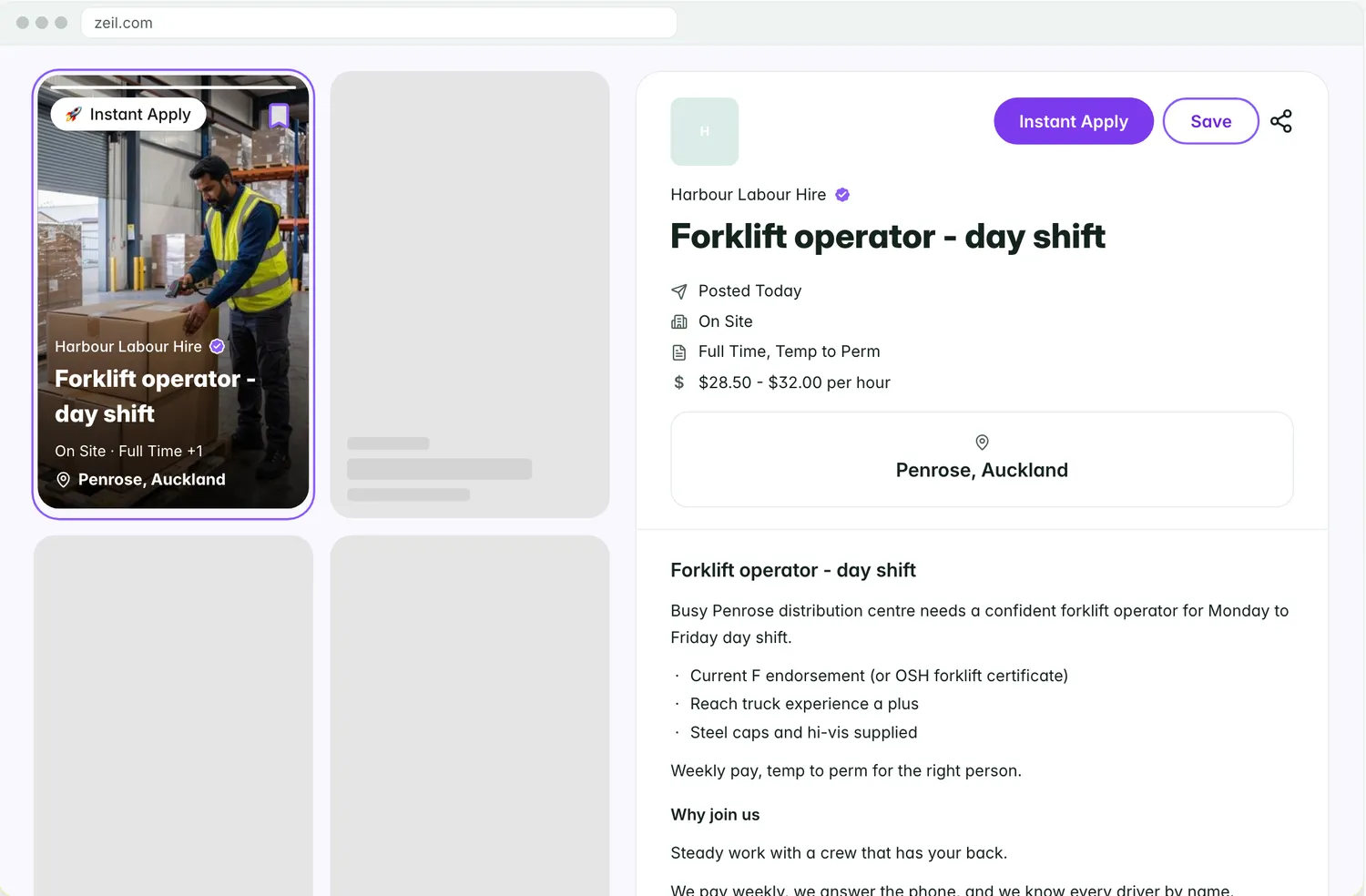
A jobs board in your brand
Your board carries your hero and banner, saved views and AI search. Candidates apply or register, and track their applications from the board. Turn on search-engine indexing when you want the jobs found on Google.
- Your hero, banner and brand
- AI search for candidates
- Apply or register, and track applications
Jobs board (example)
- Board
- On
- Open jobs
- 18
- Search engines
- Indexed
- AI assistant listing
- On
- Widget on
- 2 websites
- Applications this week
- 47
Jobs on your own website
Embed the jobs widget on your agency’s website. It shows on the websites you list in Settings, and applications land in your pipeline with the source recorded.
- One snippet for your website
- Shown on the websites you list
- Applications straight to the pipeline

A listing AI assistants can search
Turn on the AI assistant listing and assistants that support it can search your open jobs and point people to them. It reads your board and nothing else.
- Your open jobs, searchable by AI assistants
- Read-only
- One switch in Settings

Job alerts for the workers you know
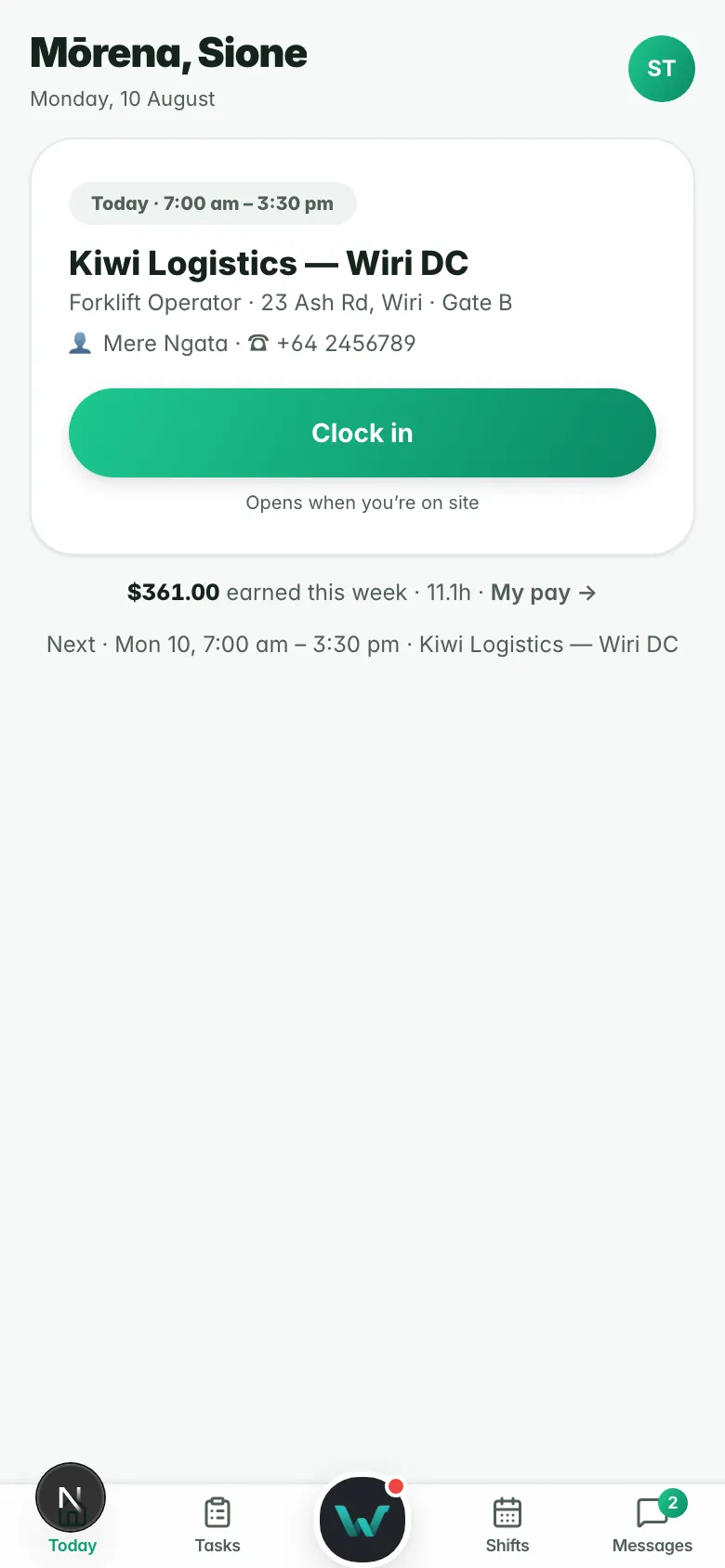
Workers linked to your agency see the board in their app and get job alerts by push or an email digest, once they have said yes to them.
- Jobs in the worker app
- Alerts by push or email digest
- Sent with the worker’s consent

Why it matters.
Your jobs on your board, in your brand.
One widget puts the board on your own site.
AI assistants can search your open jobs.
Questions
before you start.
Short answers to what agencies ask first.
Where do applications go?
Can we put the jobs on our existing website?
How do job alerts reach workers?
How do we turn the board on?
Open your jobs board.
Six months free, every feature, and your data moved for you.