








Gear and forms, tracked from request to record.
Worker gear requests and sizing, Leedsafe ordering, stock with minimums and replace-by dates, and a forms builder with AI import, schedules and one submissions inbox.
Gear and paperwork are small until they go missing on site. Workhr tracks every item from the worker’s request to the day it should be replaced, and every form from the builder to the signed submission.
Requests, orders and replace-by dates
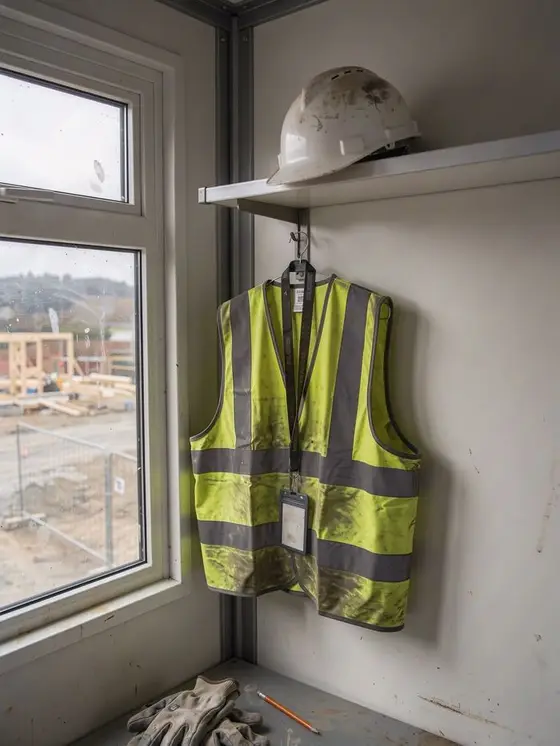
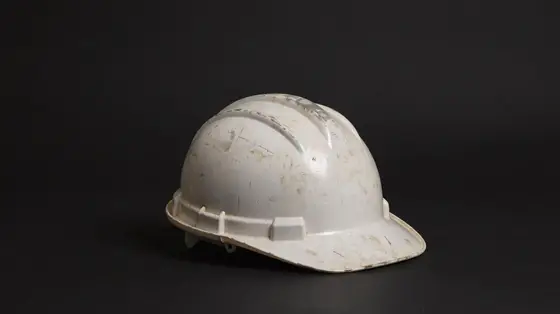
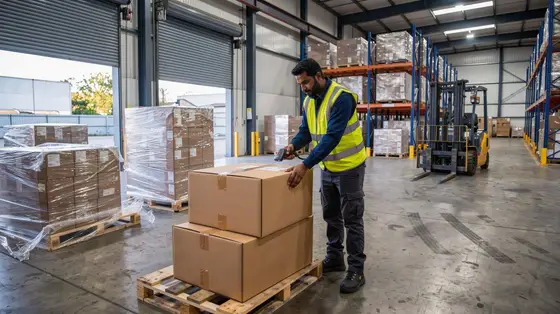
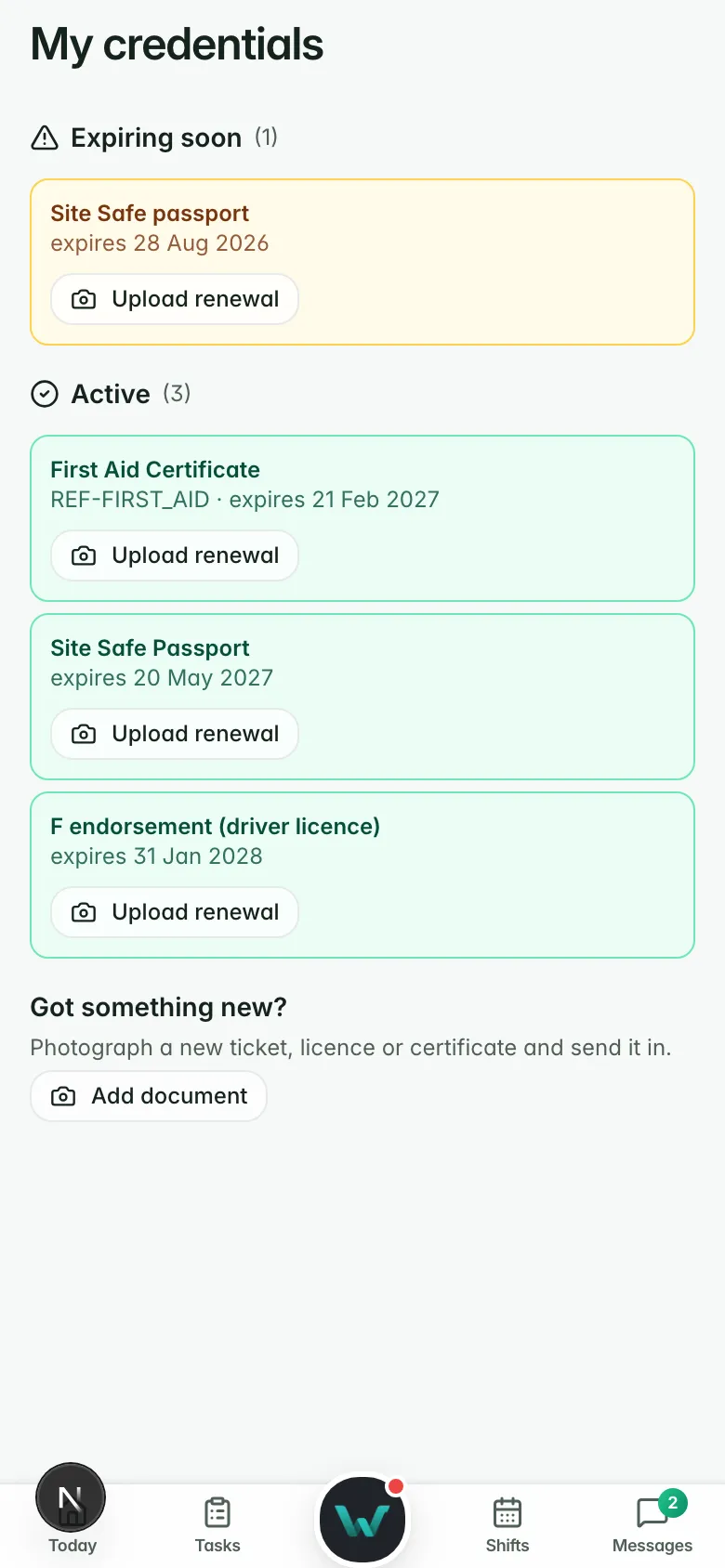
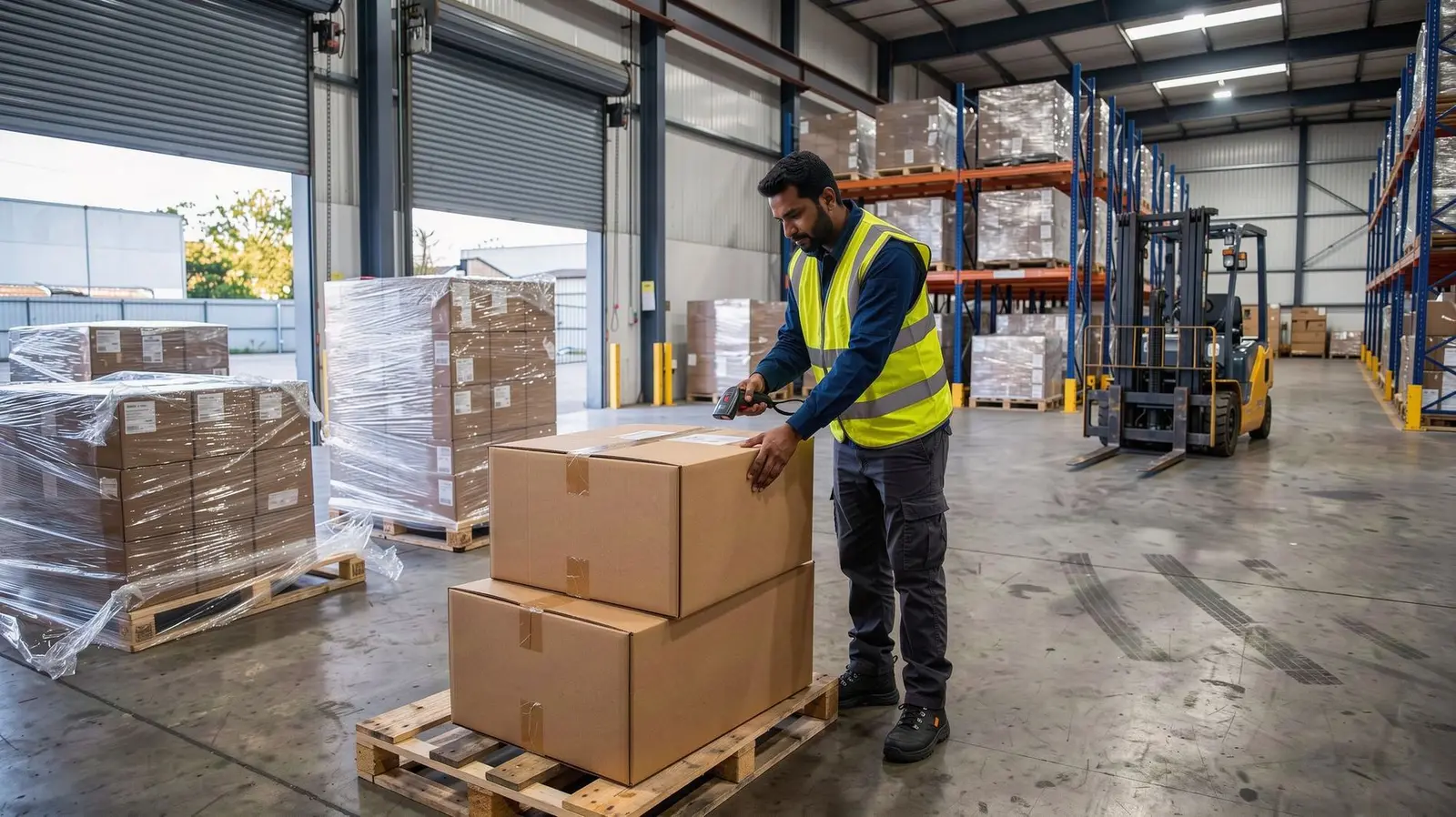
Workers give their sizes and request gear in the app. The desk approves, orders, receives and issues it, with a replace-by date on each item. Items map to Leedsafe product codes for each size, and supplier invoices are matched. Gear is issued alongside the work, and never holds up a shift.
- Sizing and requests in the worker app
- Leedsafe ordering and tracking
- Replace-by dates on issued gear

Stock by size, with a reorder suggested
Count stock for each size, set minimums, and Workhr suggests what to reorder. Spend shows by period.
- Stock ledger by size
- Minimums and suggested reorders
- Spend by period
PPE stock (example)
- Item
- Hi-vis vest, day/night
- Size L
- 14 in stock
- Size XL
- 4 in stock
- Minimum
- 10 per size
- Suggested reorder
- XL × 12 from Leedsafe
- Issued this month
- 38
Build a form, or import the paper one
Build a form, or upload a PDF or Word form and the AI lays out a draft. Pin forms to sites, schedule prestarts and toolbox talks with reminders when one is missed, and start from the standard set.
- Builder and AI import from paper
- Pinned to sites and onboarding roles
- Scheduled forms with missed reminders
One inbox for every submission
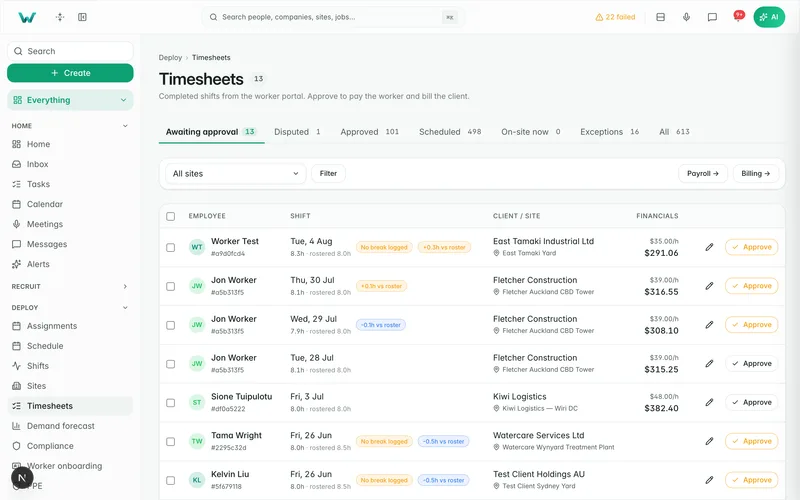
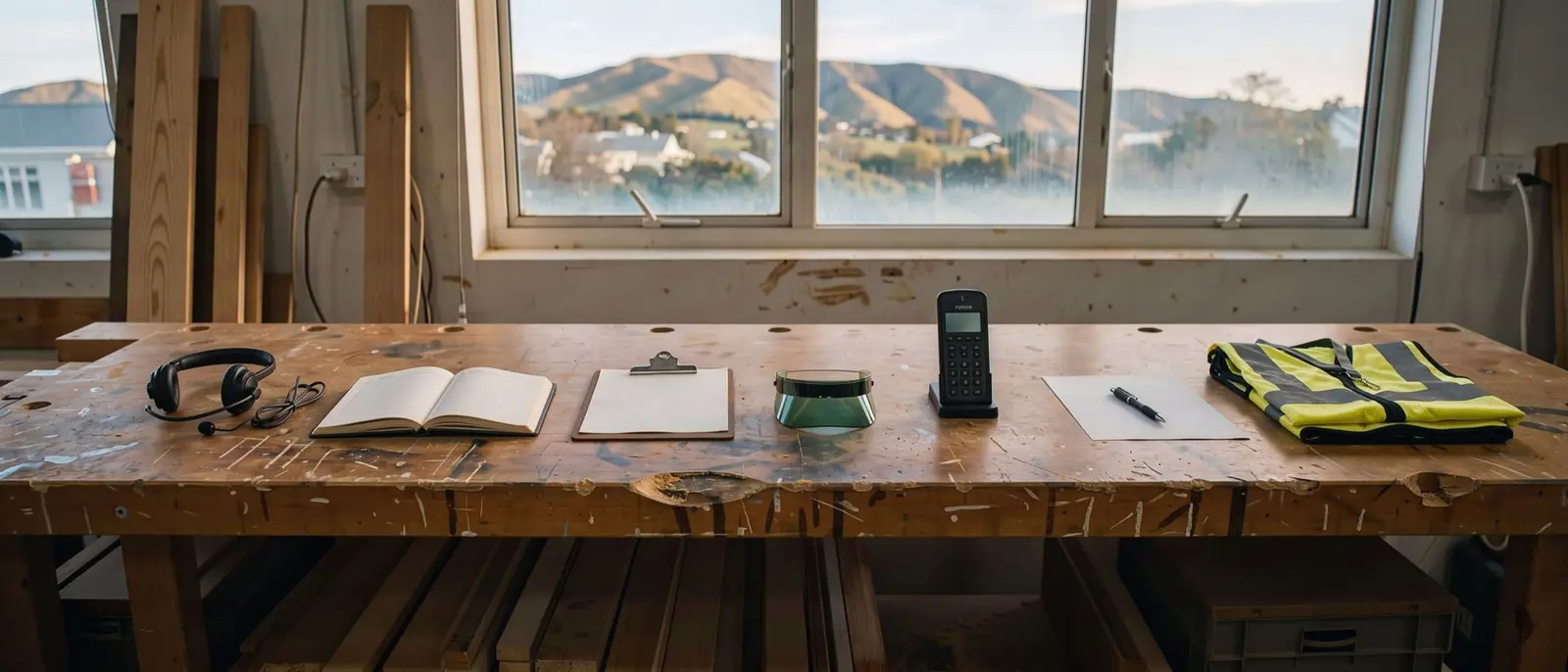
Submissions from the worker app and the desk arrive in one list with their photos and signatures, ready to review and export as PDF.
- Photos and signatures included
- Review in one list
- PDF export

Why it matters.
Workers give their sizes once, in the app.
Minimums and suggested reorders keep stock up.
Import your paper forms and collect them on the phone.
Questions
before you start.
Short answers to what agencies ask first.
Do we need a Leedsafe account?
Can we turn our paper forms into digital ones?
Where do completed forms go?
Track the gear and the paperwork.
Six months free, every feature, and your data moved for you.